Dev & Tech
When you finally fix one bug
And 14 new warnings appear in the console
إنشاء ميم مع memeton.com سهل وممتع ومجاني.
هل ترغب في التعبير عن أفكارك ومشاركتها مع الآخرين بروح مرحة؟ يساعدك صنع الميم على نشر رسالتك بسرعة وسهولة. مع memeton.com، صنع الميمز مجاني وسهل وممتع. اختر الصورة المناسبة، اكتب نصك، ثم احفظ الميم أو شاركه مع أصدقائك بضغطة زر!



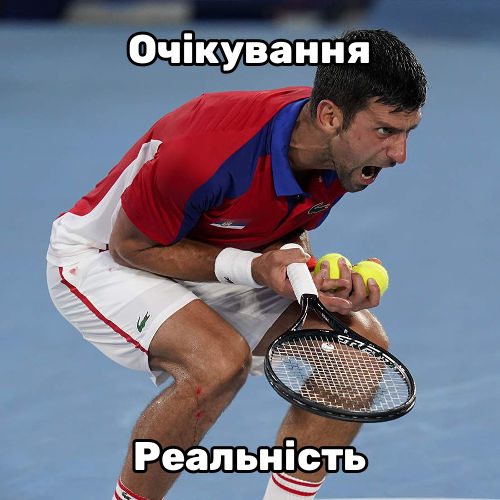
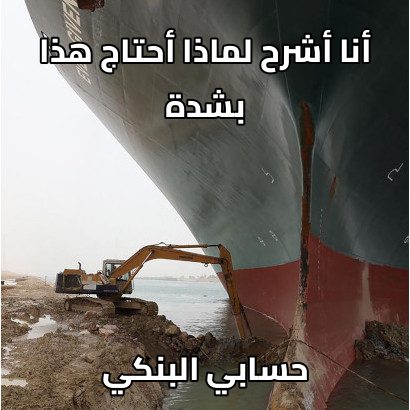
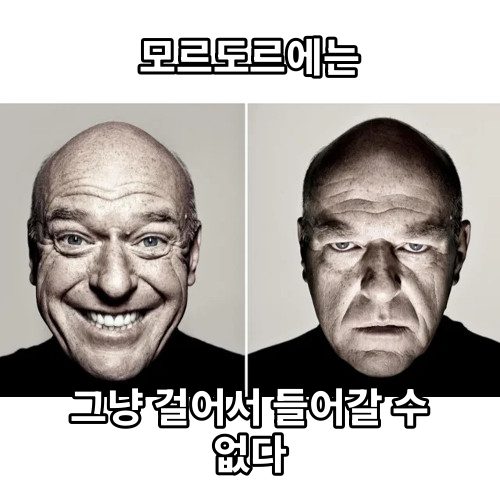


تتطلب بعض الميمز الشهيرة مواقع نصوص محددة بدقة في كل مشهد لتظهر بالشكل الاحترافي المطلوب. في memeton.com أعددنا لك قوالب مخصصة جاهزة لهذه الميمز دون أي عناء!



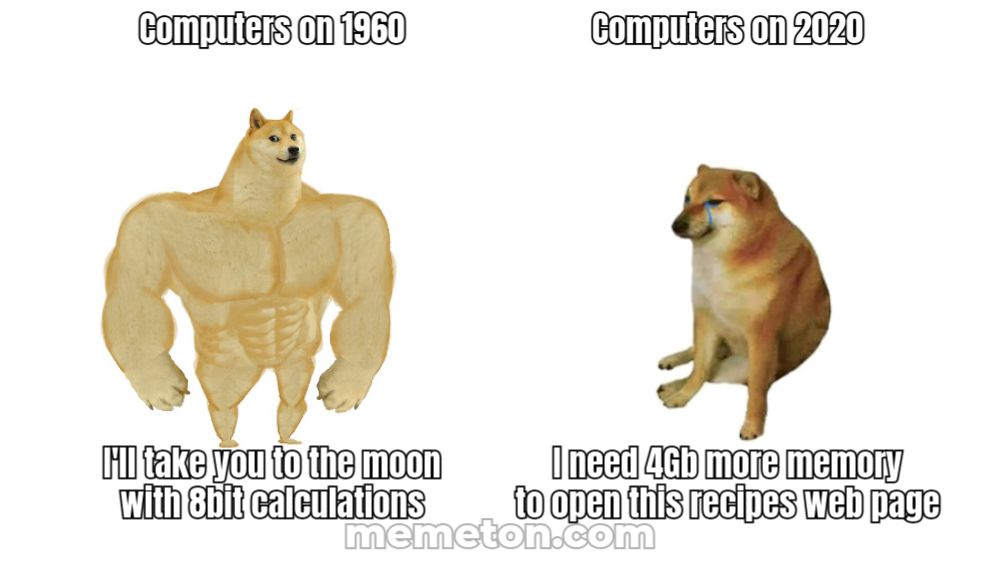
Load any caption starter directly into Memeton’s browser studio or pick a dedicated multi-panel layout below.
When you finally fix one bug
And 14 new warnings appear in the console
This meeting
Could have been a two-sentence email
My plans for Saturday
Falling asleep at 8:30 PM on the couch
What I thought I ordered online
What actually arrived in the box
Please do not ask me questions
Until the second cup of coffee
Just one more quick match
Why is the sun coming up?
Me cleaning my entire room
To avoid one 10-minute task
Everyone typing at the same time
Nobody answering the actual question
Whether you are making a quick inside joke for friends or commenting on trending pop culture, layout clarity and pacing decide whether a meme lands.
Classic top-and-bottom memes rely on a crisp two-beat reveal.
Classic bold condensed uppercase remains iconic because it stays legible at thumbnail size.
Pick the right tool for single-image reactions versus multi-beat dialogues.
No. Everything renders locally inside your browser on HTML5 Canvas. Only you see or save what you make unless you share it.
Yes. In Classic Memes, click Upload your own image to caption any local photo privately without uploading it to our servers.
Use the instant search bar and category chips below the editor to filter by Star Wars, The Office, Football, SpongeBob, Simpsons, or your bookmarked Favorites.
Yes. Share the editable link from the Save dialog and anyone opening it will load the exact template, text, font, and color preset in their browser.
استخدام أداة صنع الميمز المجانية هذه في غاية البساطة.
1) اختر الفئة لعرض التصاميم المتاحة.
2) حدد التصميم الذي تريده.
3) انتقل إلى قسم النصوص لكتابة رسالتك.
4) عند الانتهاء، توجه إلى صفحة الحفظ.
يمكنك حفظ صفحة التحميل في المفضلة للرجوع إليها مستقبلاً. بمجرد حفظها على جهازك يمكنك رفعها إلى شبكات التواصل الاجتماعي أو برامج المراسلة. وأخيراً، إذا أعجبك الميم، شاركه مع أصدقائك!