Dev & Tech
When you finally fix one bug
And 14 new warnings appear in the console
Ingin menyampaikan pesan humor atau pemikiran dengan cepat? Membuat meme dapat membantu menyebarkan pesan dengan mudah. Di memeton.com, membuat meme itu gratis, cepat, dan seru. Pilih gambar, masukkan teks, lalu simpan atau bagikan ke teman Anda. Begitu mudah!
Seret teks pada meme untuk memindahkan posisinya

Meme

Meme
Meme

Meme · Olahraga

Meme · Klasik
Meme
Meme

Meme · Star Wars

Meme · Klasik

Meme · Keanu Reeves

Meme · Lord of the Rings

Meme · Aliens

Meme · Robert Downey Jr

Meme

Meme · Leonardo DiCaprio

Meme · Leonardo DiCaprio
Meme · Leonardo DiCaprio

Meme

Meme · The Office
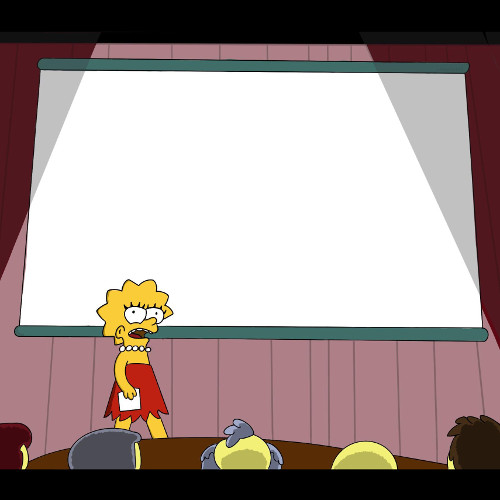
Meme · The Simpsons

Meme · The Simpsons
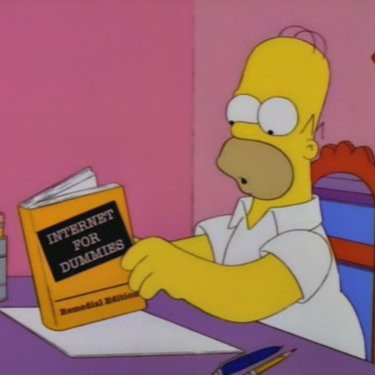
Meme · The Simpsons

Meme · The Simpsons
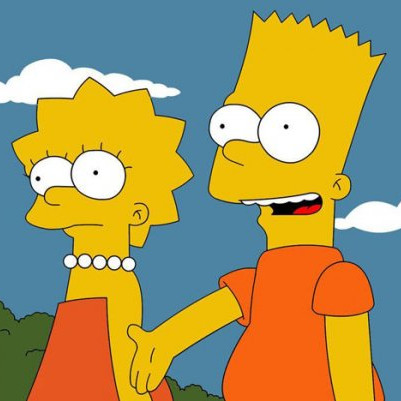
Meme · The Simpsons
Click Load in Editor to test classic setup-and-punchline combinations on any reaction template.
When you finally fix one bug
And 14 new warnings appear in the console
This meeting
Could have been a two-sentence email
My plans for Saturday
Falling asleep at 8:30 PM on the couch
What I thought I ordered online
What actually arrived in the box
Please do not ask me questions
Until the second cup of coffee
Just one more quick match
Why is the sun coming up?
Me cleaning my entire room
To avoid one 10-minute task
Everyone typing at the same time
Nobody answering the actual question
Whether you are making a quick inside joke for friends or commenting on trending pop culture, layout clarity and pacing decide whether a meme lands.
Classic top-and-bottom memes rely on a crisp two-beat reveal.
Classic bold condensed uppercase remains iconic because it stays legible at thumbnail size.
Pick the right tool for single-image reactions versus multi-beat dialogues.
No. Everything renders locally inside your browser on HTML5 Canvas. Only you see or save what you make unless you share it.
Yes. In Classic Memes, click Upload your own image to caption any local photo privately without uploading it to our servers.
Use the instant search bar and category chips below the editor to filter by Star Wars, The Office, Football, SpongeBob, Simpsons, or your bookmarked Favorites.
Yes. Share the editable link from the Save dialog and anyone opening it will load the exact template, text, font, and color preset in their browser.
Menggunakan Alat Pembuat Meme Gratis ini sangat sederhana.
1) Pilih kategori untuk melihat template yang tersedia.
2) Pilih desain gambar yang Anda inginkan.
3) Masuk ke bagian teks untuk menulis pesan Anda.
4) Setelah selesai, buka halaman simpan.
Anda dapat menandai halaman simpan untuk referensi di masa mendatang. Setelah tersimpan di komputer atau ponsel, Anda dapat membagikannya ke media sosial favorit. Jangan lupa bagikan dengan teman-teman Anda!