스타트렉 Reaction
Me talking about 스타트렉
Expecting everyone to understand immediately
memeton.com에서 쉽고 재미있게 무료로 밈을 만들어 보세요.
밈 위의 텍스트를 드래그하여 위치를 조정하세요

밈 · Patrick Stewart · Jean-Luc Picard · 스타트렉 · Facepalm

밈 · Patrick Stewart · Jean-Luc Picard · 스타트렉

밈 · 스타트렉 · Patrick Stewart · Jean-Luc Picard

밈 · 스타트렉

밈 · 스타트렉
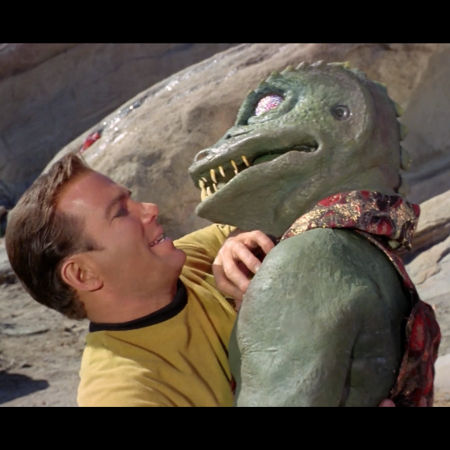
밈 · 스타트렉

밈 · 스타트렉 · Spock
Load any punchy caption below onto a 스타트렉 template, or customize it in your own words and export in seconds.
Me talking about 스타트렉
Expecting everyone to understand immediately
How 스타트렉 looks in theory
How it actually goes on a Monday morning
Nobody:
Me sending 스타트렉 memes at 1 AM
When someone brings up 스타트렉
And the conversation takes over the whole chat
First rule of 스타트렉
Make sure the punchline fits on two lines
Trying to stay focused
Getting distracted by 스타트렉 instead
Filtered templates under 스타트렉 let you pick the exact visual reaction or portrait you need without scrolling through unrelated formats.
Use the filtered gallery directly beneath the studio to preview every 스타트렉 background.
Match lettering weight and contrast to the mood of your chosen template.
Download locally or send directly across your favorite apps.
Scroll to the template grid directly below the editor and click any 스타트렉 thumbnail to load it onto the canvas immediately.
Yes. Click Upload your own image under the canvas to replace the background with any photo stored locally on your device.
Yes. You get the full studio controls including 8 color presets, 3 text background styles, horizontal/vertical flips, and 1:1, 4:5, or 16:9 sizing.
No. All canvas rendering stays strictly inside your browser for complete privacy.
이 무료 밈 제작 도구는 사용법이 매우 간단합니다.
1) 카테고리를 선택해 사용할 수 있는 디자인을 확인하세요.
2) 원하는 디자인을 선택하세요.
3) 텍스트 입력란에 메시지를 작성하세요.
4) 완성되면 저장 버튼을 누르세요.
저장한 밈을 소셜 네트워크나 메신저에 업로드해 친구들과 재미있게 공유해 보세요!