Dev & Tech
When you finally fix one bug
And 14 new warnings appear in the console
Vrei să exprimi și să împărtășești ceva cu ceilalți? Crearea unui meme te poate ajuta să transmiți mesajul rapid și ușor. Realizarea unui meme pe memeton.com este distractivă, gratuită și simplă. Alege imaginea potrivită din categoriile disponibile, adaugă textul și distribuie sau salvează rezultatul pe computer. Atât de simplu!
Trage textul pe meme pentru a-l repoziționa
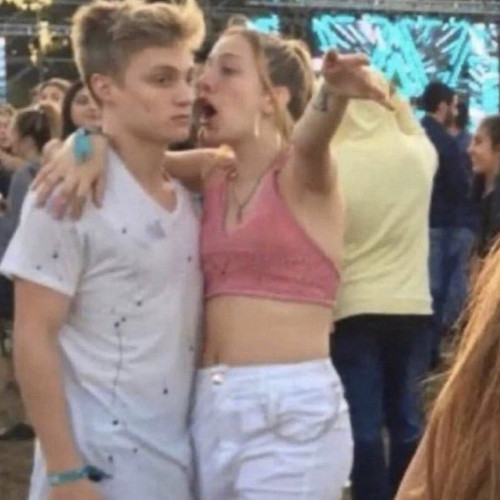
Meme

Meme
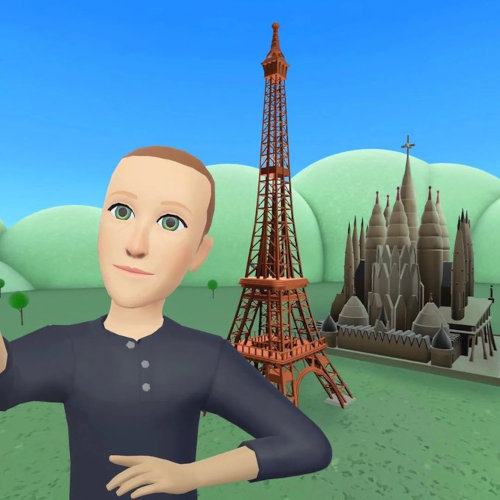
Meme
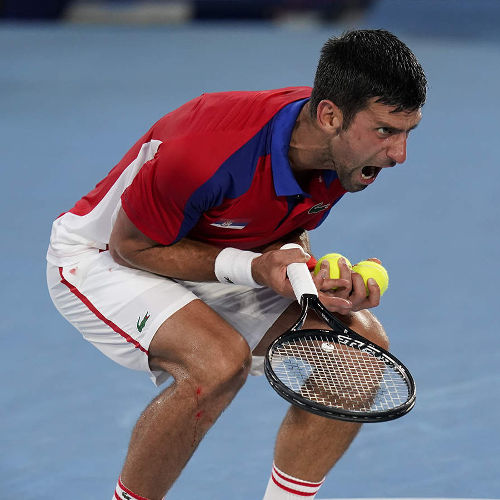
Meme · Sport

Meme · Clasice
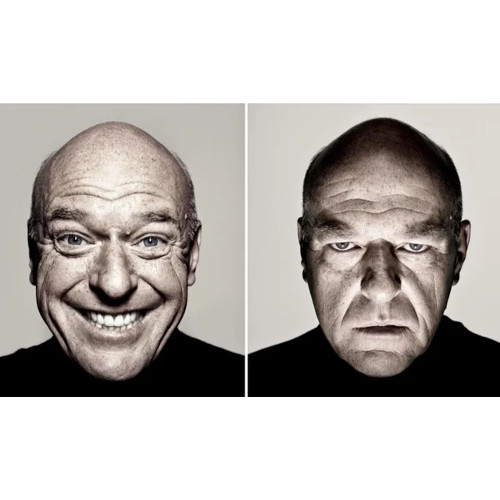
Meme
Meme

Meme · Războiul Stelelor

Meme · Clasice

Meme · Keanu Reeves

Meme · Lord of the Rings

Meme · Aliens

Meme · Robert Downey Jr

Meme

Meme · Leonardo DiCaprio

Meme · Leonardo DiCaprio
Meme · Leonardo DiCaprio

Meme

Meme · The Office
Meme · Familia Simpson

Meme · Familia Simpson
Meme · Familia Simpson

Meme · Familia Simpson
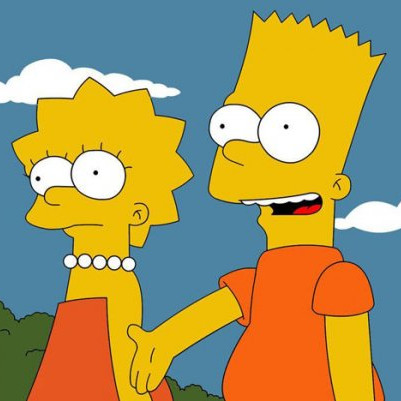
Meme · Familia Simpson
Click Load in Editor to test classic setup-and-punchline combinations on any reaction template.
When you finally fix one bug
And 14 new warnings appear in the console
This meeting
Could have been a two-sentence email
My plans for Saturday
Falling asleep at 8:30 PM on the couch
What I thought I ordered online
What actually arrived in the box
Please do not ask me questions
Until the second cup of coffee
Just one more quick match
Why is the sun coming up?
Me cleaning my entire room
To avoid one 10-minute task
Everyone typing at the same time
Nobody answering the actual question
Whether you are making a quick inside joke for friends or commenting on trending pop culture, layout clarity and pacing decide whether a meme lands.
Classic top-and-bottom memes rely on a crisp two-beat reveal.
Classic bold condensed uppercase remains iconic because it stays legible at thumbnail size.
Pick the right tool for single-image reactions versus multi-beat dialogues.
No. Everything renders locally inside your browser on HTML5 Canvas. Only you see or save what you make unless you share it.
Yes. In Classic Memes, click Upload your own image to caption any local photo privately without uploading it to our servers.
Use the instant search bar and category chips below the editor to filter by Star Wars, The Office, Football, SpongeBob, Simpsons, or your bookmarked Favorites.
Yes. Share the editable link from the Save dialog and anyone opening it will load the exact template, text, font, and color preset in their browser.
Utilizarea acestui instrument gratuit de creare a memelor este foarte simplă.
1) Selectează categoria pentru a vedea modelele disponibile.
2) Selectează designul pe care îl dorești.
3) Mergi la secțiunea de text pentru a scrie mesajul.
4) Când ai terminat, mergi la pagina de salvare.
Poți salva pagina ca marcaj pentru viitor. Odată salvat pe computer, îl poți încărca pe rețelele sociale preferate, aplicații de mesagerie etc. În final, dacă îți place meme-ul, distribuie-l prietenilor tăi!