Меми — Memeton

Створювати меми з memeton.com легко, весело та безкоштовно.

Перетягніть текст на мемі, щоб змінити позицію
Текст
Реклама
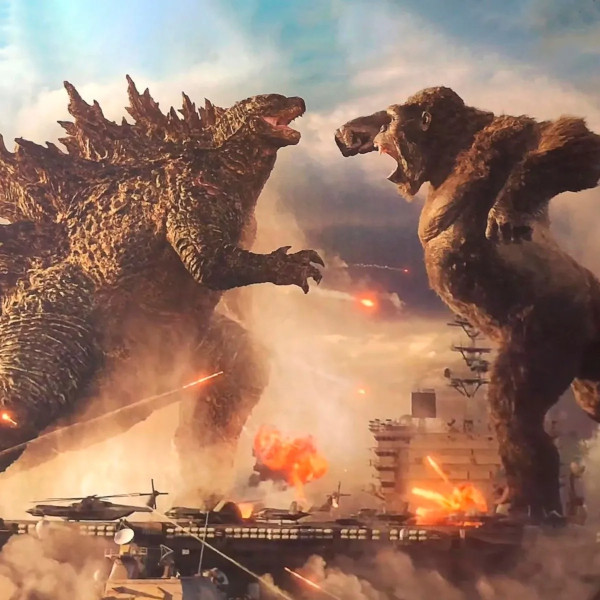
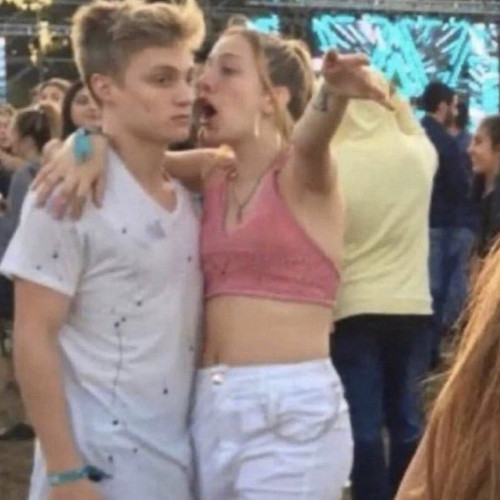
Memeton - Меми Template #338

Меми

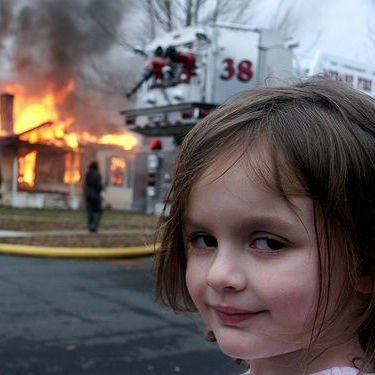
Memeton - Меми Template #339

Меми

Memeton - Меми Template #340

Меми

Memeton - Меми, Спорт Template #337

Меми · Спорт

Memeton - Меми, Класика Template #298

Меми · Класика

Memeton - Меми Template #332

Меми

Memeton - Меми Template #303

Меми

Memeton - Меми, Зоряні війни Template #306

Меми · Зоряні війни

Memeton - Меми, Класика Template #297

Меми · Класика

Memeton - Меми, Keanu Reeves Template #006

Меми · Keanu Reeves

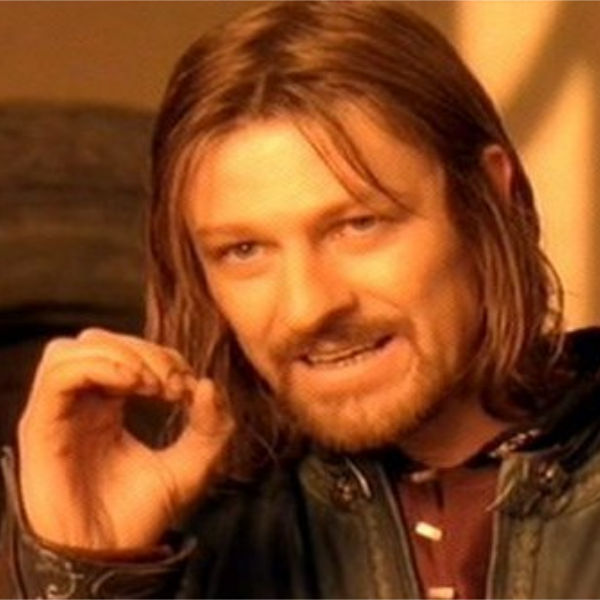
Memeton - Меми, Lord of the Rings Template #018

Меми · Lord of the Rings

Memeton - Меми, Aliens Template #022

Меми · Aliens

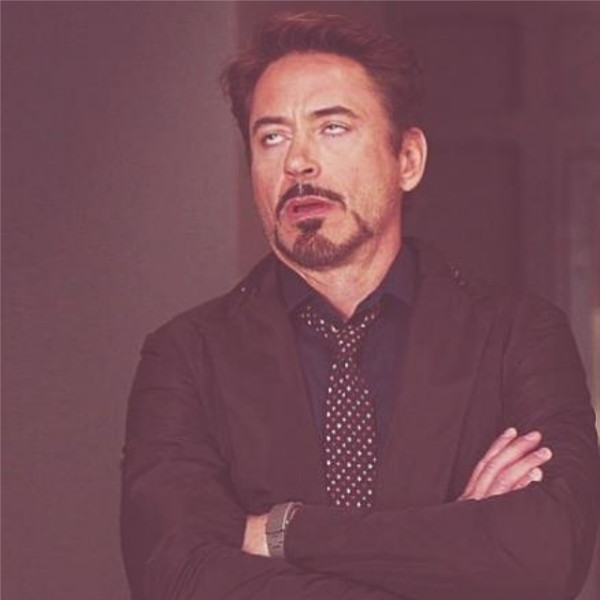
Memeton - Меми, Robert Downey Jr Template #032

Меми · Robert Downey Jr

Memeton - Меми Template #007

Меми

Memeton - Меми, Leonardo DiCaprio Template #023

Меми · Leonardo DiCaprio

Memeton - Меми, Leonardo DiCaprio Template #299

Меми · Leonardo DiCaprio

Memeton - Меми, Leonardo DiCaprio Template #301

Меми · Leonardo DiCaprio

Memeton - Меми Template #008

Меми

Memeton - Меми, Офіс Template #009

Меми · Офіс

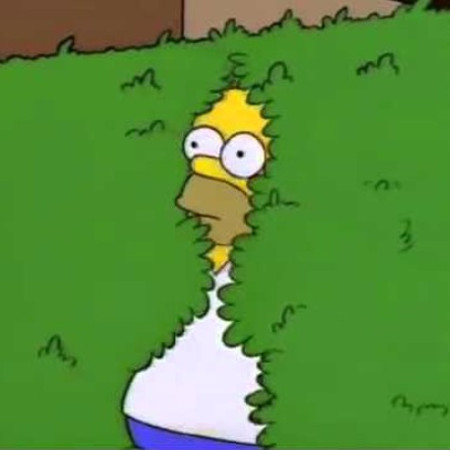
Memeton - Меми, Сімпсони Template #331

Меми · Сімпсони

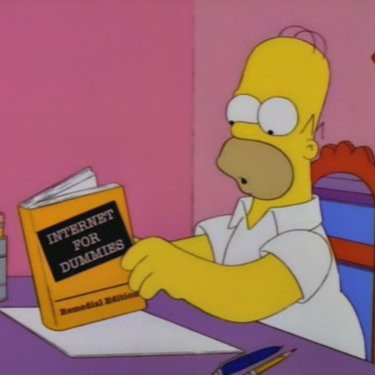
Memeton - Меми, Сімпсони Template #290

Меми · Сімпсони

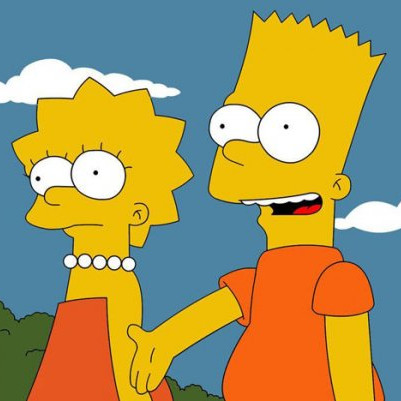
Memeton - Меми, Сімпсони Template #071

Меми · Сімпсони

Memeton - Меми, Сімпсони Template #295

Меми · Сімпсони

Memeton - Меми, Сімпсони Template #245

Меми · Сімпсони

Меми Meme Templates

Caption Ideas for Меми Memes

Load any punchy caption below onto a Меми template, or customize it in your own words and export in seconds.

Меми Reaction

Me talking about Меми

Expecting everyone to understand immediately

Expectation vs Reality

How Меми looks in theory

How it actually goes on a Monday morning

Relatable Moment

Nobody:

Me sending Меми memes at 1 AM

Group Chat

When someone brings up Меми

And the conversation takes over the whole chat

Classic Twist

First rule of Меми

Make sure the punchline fits on two lines

Weekend Mood

Trying to stay focused

Getting distracted by Меми instead

Making Great Меми Memes on Memeton

Filtered templates under Меми let you pick the exact visual reaction or portrait you need without scrolling through unrelated formats.

Exploring Меми Templates

Use the filtered gallery directly beneath the studio to preview every Меми background.

  • Click any Меми thumbnail below to swap it into the live canvas immediately without losing your typed text.
  • Combine the search bar or secondary category chips to narrow down themes even further.
  • Bookmark top templates with the heart icon so they stay saved in your browser favorites.

Typography & Visual Balance

Match lettering weight and contrast to the mood of your chosen template.

  • Anton gives unmistakable classic meme presence, whereas Montserrat works smoothly for conversational multi-word setups.
  • Switch between Outline Only, Soft Box, and Solid Banner if background details reduce legibility.
  • Drag text layers freely on the canvas to frame faces, scenery, or focal objects cleanly.

Fast Export & Editable Sharing

Download locally or send directly across your favorite apps.

  • Export high-resolution 1080 px JPEGs with a single click on Save, or copy PNG data straight to your clipboard.
  • Every creation runs 100% client-side in HTML5 Canvas—no images are ever transmitted to external servers.
  • Use the Share Link feature to send an editable URL so friends can customize your template too.

Меми Studio FAQ

How do I select a different Меми background image?

Scroll to the template grid directly below the editor and click any Меми thumbnail to load it onto the canvas immediately.

Can I use my own image alongside Меми captions?

Yes. Click Upload your own image under the canvas to replace the background with any photo stored locally on your device.

Are custom colors and aspect ratios available on category pages?

Yes. You get the full studio controls including 8 color presets, 3 text background styles, horizontal/vertical flips, and 1:1, 4:5, or 16:9 sizing.

Is my custom text or uploaded photo saved online?

No. All canvas rendering stays strictly inside your browser for complete privacy.

Як створити свій мем?

Користуватися цим безкоштовним генератором мемів дуже просто.

1) Виберіть категорію для перегляду доступних шаблонів.

2) Виберіть потрібний шаблон.

3) Додайте свій текст у відповідні поля.

4) Натисніть кнопку збереження.

Збережений мем можна завантажити на пристрій або одразу надіслати друзям у соцмережах та месенджерах!