Dev & Tech
When you finally fix one bug
And 14 new warnings appear in the console
Створювати класичні меми з memeton.com легко, весело та безкоштовно. Виберіть шаблон, додайте текст і збережіть або поділіться з друзями!
Перетягніть текст на мемі, щоб змінити позицію
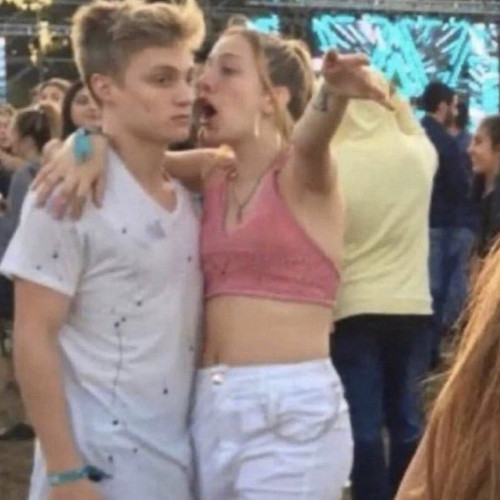
Меми

Меми
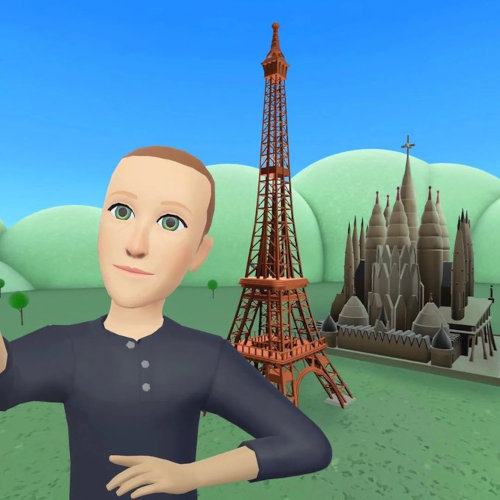
Меми

Меми · Спорт

Меми · Класика
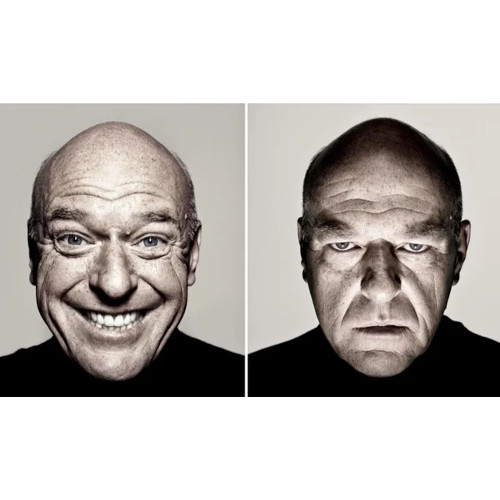
Меми

Меми

Меми · Зоряні війни

Меми · Класика

Меми · Keanu Reeves

Меми · Lord of the Rings

Меми · Aliens

Меми · Robert Downey Jr

Меми

Меми · Leonardo DiCaprio

Меми · Leonardo DiCaprio

Меми · Leonardo DiCaprio

Меми

Меми · Офіс
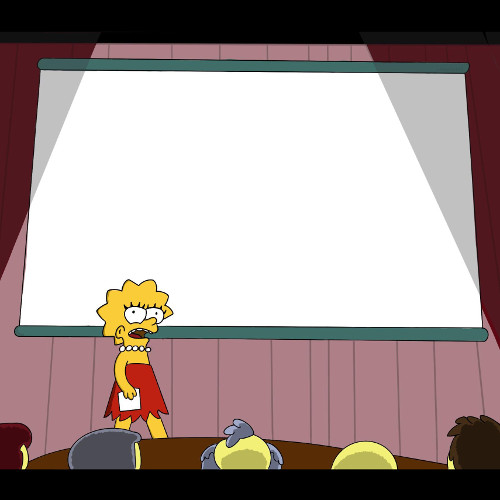
Меми · Сімпсони

Меми · Сімпсони
Меми · Сімпсони

Меми · Сімпсони

Меми · Сімпсони
Click Load in Editor to test classic setup-and-punchline combinations on any reaction template.
When you finally fix one bug
And 14 new warnings appear in the console
This meeting
Could have been a two-sentence email
My plans for Saturday
Falling asleep at 8:30 PM on the couch
What I thought I ordered online
What actually arrived in the box
Please do not ask me questions
Until the second cup of coffee
Just one more quick match
Why is the sun coming up?
Me cleaning my entire room
To avoid one 10-minute task
Everyone typing at the same time
Nobody answering the actual question
Whether you are making a quick inside joke for friends or commenting on trending pop culture, layout clarity and pacing decide whether a meme lands.
Classic top-and-bottom memes rely on a crisp two-beat reveal.
Classic bold condensed uppercase remains iconic because it stays legible at thumbnail size.
Pick the right tool for single-image reactions versus multi-beat dialogues.
No. Everything renders locally inside your browser on HTML5 Canvas. Only you see or save what you make unless you share it.
Yes. In Classic Memes, click Upload your own image to caption any local photo privately without uploading it to our servers.
Use the instant search bar and category chips below the editor to filter by Star Wars, The Office, Football, SpongeBob, Simpsons, or your bookmarked Favorites.
Yes. Share the editable link from the Save dialog and anyone opening it will load the exact template, text, font, and color preset in their browser.
Користуватися цим безкоштовним генератором мемів дуже просто.
1) Виберіть категорію для перегляду доступних шаблонів.
2) Виберіть потрібний шаблон.
3) Додайте свій текст у відповідні поля.
4) Натисніть кнопку збереження.
Збережений мем можна завантажити на пристрій або одразу надіслати друзям у соцмережах та месенджерах!