Dev & Tech
When you finally fix one bug
And 14 new warnings appear in the console
使用 memeton.com 製作梗圖簡單、有趣且完全免費。
想要表達心中的想法並用幽默感染朋友嗎?製作梗圖是傳遞訊息最快、最有效的方式!使用 memeton.com 製作梗圖輕鬆、有趣又完全免費。從分類中挑選適合的經典底圖,填上文字,就能一鍵下載或分享!


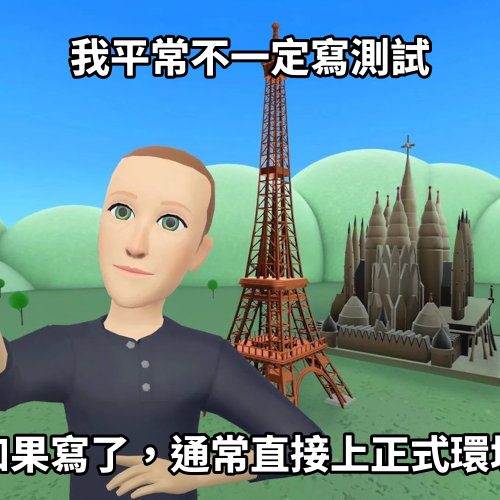

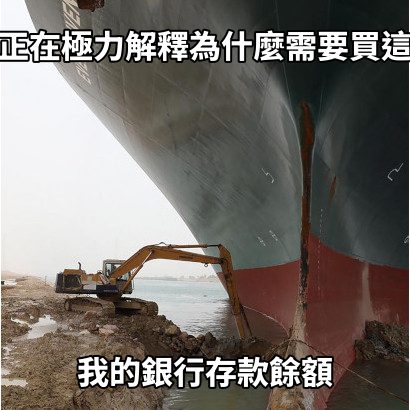
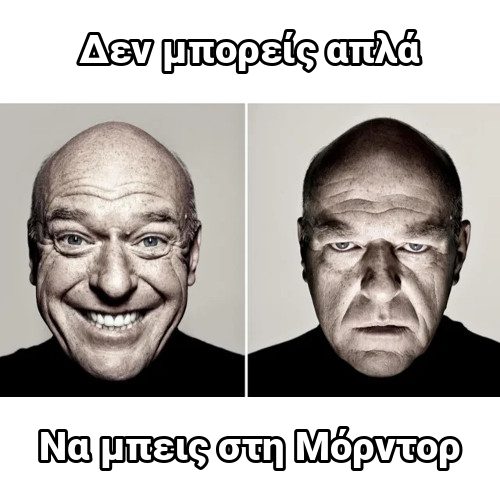
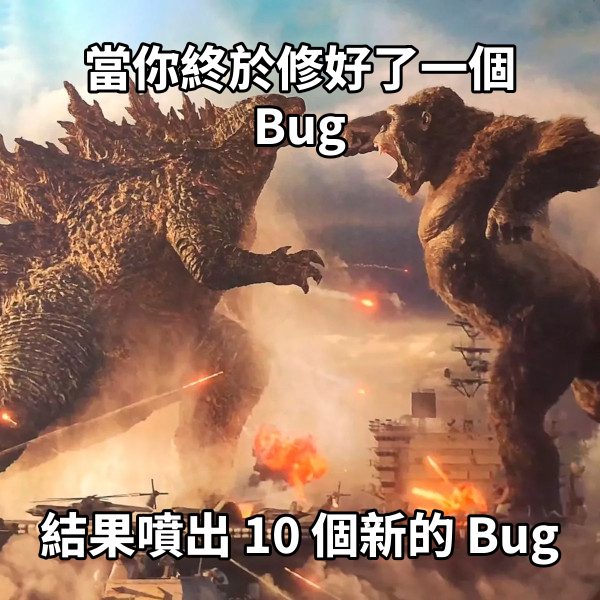

有些經典梗圖(如電梯內講爛笑話、星戰對話等)需要極度精準的文字排版才夠味。以往都要用繪圖軟體微調老半天,現在 memeton.com 都幫你算好最佳位置了,直接填詞即可出圖!



Load any caption starter directly into Memeton’s browser studio or pick a dedicated multi-panel layout below.
When you finally fix one bug
And 14 new warnings appear in the console
This meeting
Could have been a two-sentence email
My plans for Saturday
Falling asleep at 8:30 PM on the couch
What I thought I ordered online
What actually arrived in the box
Please do not ask me questions
Until the second cup of coffee
Just one more quick match
Why is the sun coming up?
Me cleaning my entire room
To avoid one 10-minute task
Everyone typing at the same time
Nobody answering the actual question
Whether you are making a quick inside joke for friends or commenting on trending pop culture, layout clarity and pacing decide whether a meme lands.
Classic top-and-bottom memes rely on a crisp two-beat reveal.
Classic bold condensed uppercase remains iconic because it stays legible at thumbnail size.
Pick the right tool for single-image reactions versus multi-beat dialogues.
No. Everything renders locally inside your browser on HTML5 Canvas. Only you see or save what you make unless you share it.
Yes. In Classic Memes, click Upload your own image to caption any local photo privately without uploading it to our servers.
Use the instant search bar and category chips below the editor to filter by Star Wars, The Office, Football, SpongeBob, Simpsons, or your bookmarked Favorites.
Yes. Share the editable link from the Save dialog and anyone opening it will load the exact template, text, font, and color preset in their browser.
使用這個免費梗圖產生器非常簡單:
1) 選擇分類以瀏覽各種熱門模板。
2) 點選你想要的梗圖底圖。
3) 在文字編輯區輸入你的搞笑台詞。
4) 完成後前往儲存頁面。
你可以將儲存頁面加入書籤以便未來查看。下載儲存到裝置後,就能直接發布到各大社群或通訊軟體。好笑的梗圖別忘了分享給朋友!