Dev & Tech
When you finally fix one bug
And 14 new warnings appear in the console
Creating a Meme with memeton.com is easy, fun and free.
Do you want to express and share something with other people? Creating a Meme can help you spread the message easily and quickly. Creating a Meme with memeton.com is easy, fun and free. Just choose the appropriate image from the available categories, add the text with the message, and when you are done, click the button to share or save it to your computer. That easy!
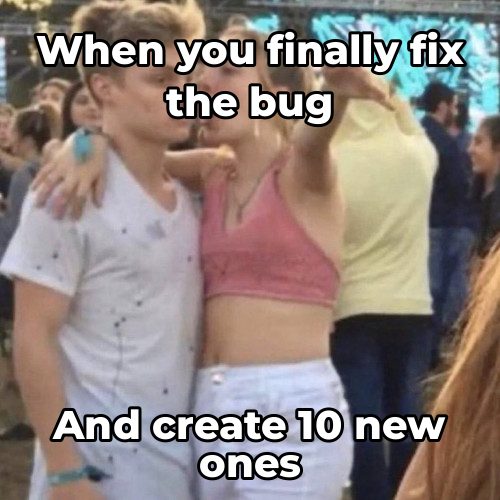

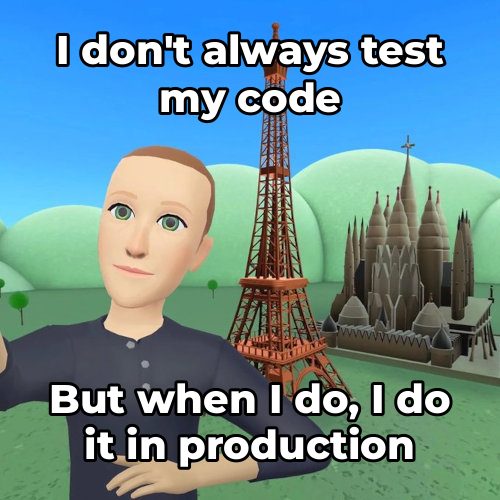
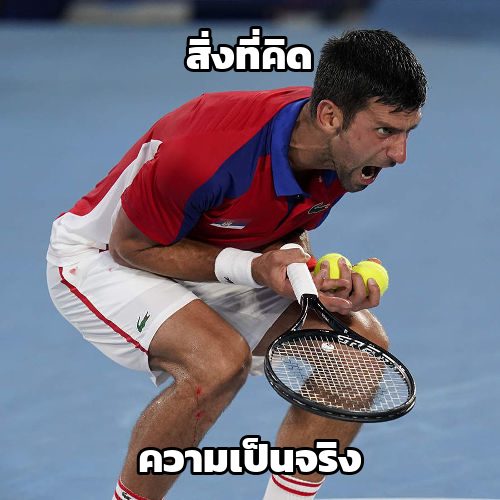
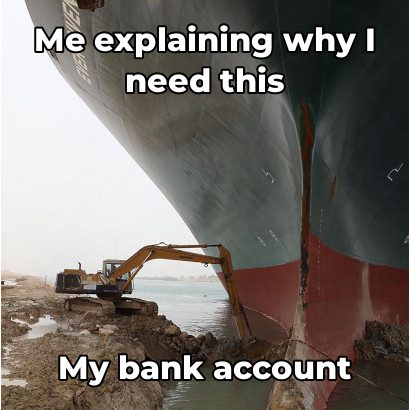
There are some Special Memes that for them to look good you need the text in certain positions and sizes. Up to now usually you had to do them by hand, not any more. At memeton.com we have created a tool to make creating special memes easy, fun and free. Just pick from the list below if you want to create a Captain America Joke, a Padme & Anakin, etc, then add the texts with the message, and when you are done, click the button to share or save it to your computer. That easy!
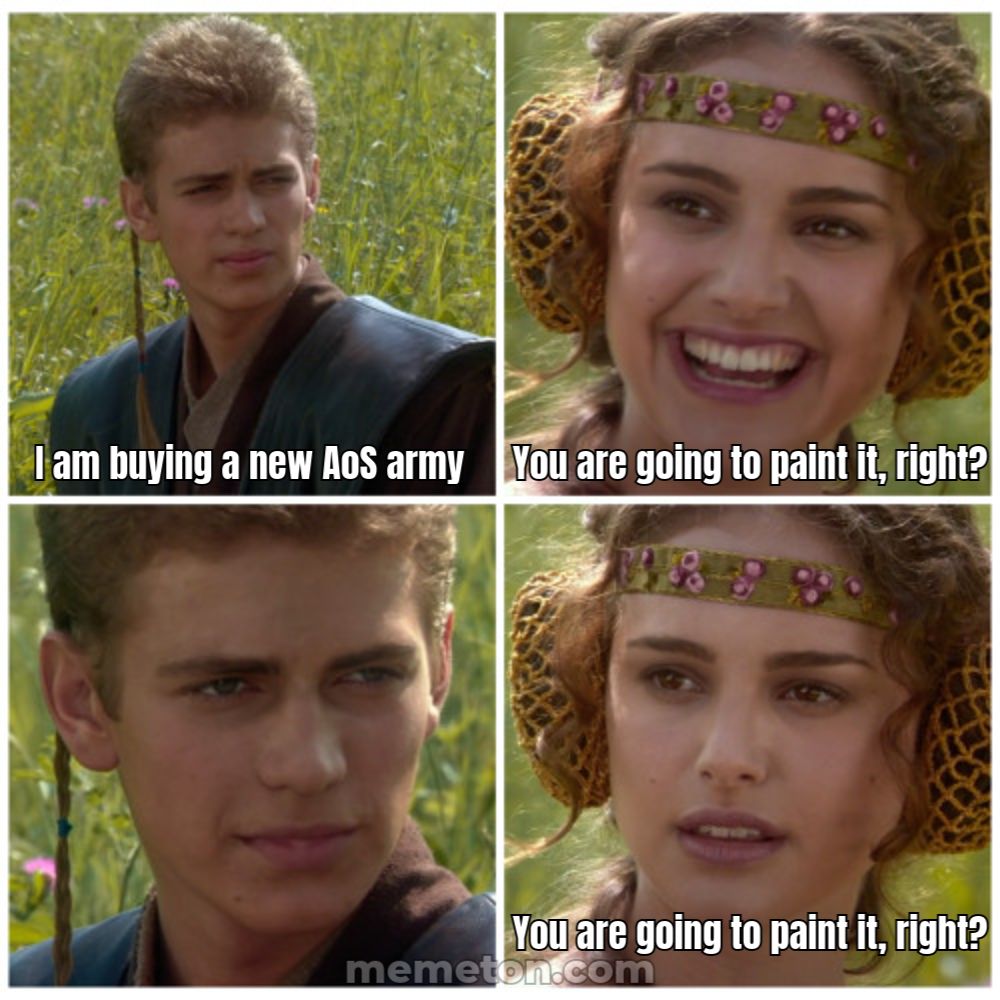

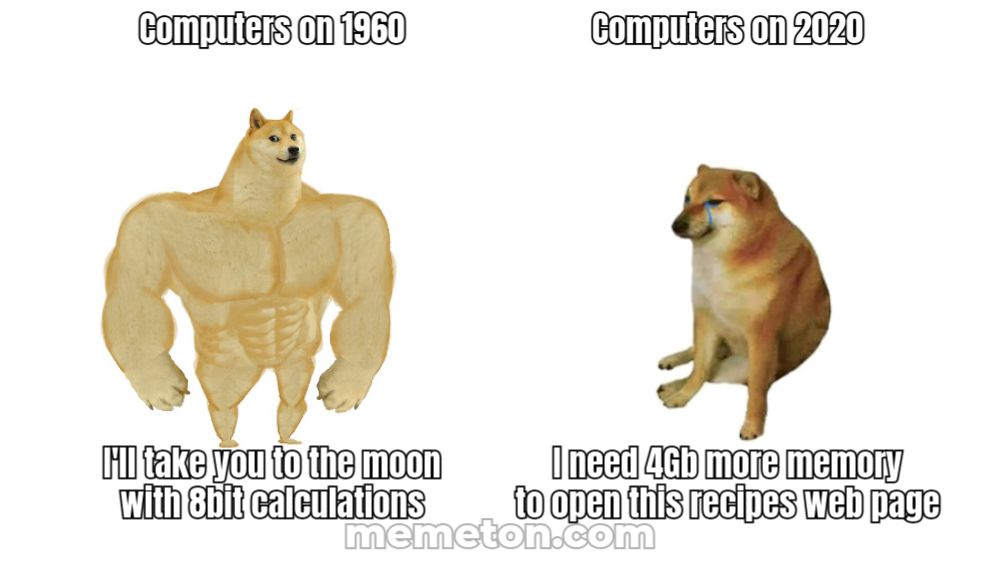
Load any caption starter directly into Memeton’s browser studio or pick a dedicated multi-panel layout below.
When you finally fix one bug
And 14 new warnings appear in the console
This meeting
Could have been a two-sentence email
My plans for Saturday
Falling asleep at 8:30 PM on the couch
What I thought I ordered online
What actually arrived in the box
Please do not ask me questions
Until the second cup of coffee
Just one more quick match
Why is the sun coming up?
Me cleaning my entire room
To avoid one 10-minute task
Everyone typing at the same time
Nobody answering the actual question
Whether you are making a quick inside joke for friends or commenting on trending pop culture, layout clarity and pacing decide whether a meme lands.
Classic top-and-bottom memes rely on a crisp two-beat reveal.
Classic bold condensed uppercase remains iconic because it stays legible at thumbnail size.
Pick the right tool for single-image reactions versus multi-beat dialogues.
No. Everything renders locally inside your browser on HTML5 Canvas. Only you see or save what you make unless you share it.
Yes. In Classic Memes, click Upload your own image to caption any local photo privately without uploading it to our servers.
Use the instant search bar and category chips below the editor to filter by Star Wars, The Office, Football, SpongeBob, Simpsons, or your bookmarked Favorites.
Yes. Share the editable link from the Save dialog and anyone opening it will load the exact template, text, font, and color preset in their browser.
Using this Free Meme Making Tool is really simple.
1) Select the category to show the available designs.
2) Select the design you want.
3) Go to the text section to write the message.
4) When finished go to the save page.
You can bookmark the save page for your reference in the future. Once stored on your computer you can upload it into your favourite social network, instant messaging program, etc. Finally, if you really like the meme, share it with your friends!