Zitate Reaction
Me talking about Zitate
Expecting everyone to understand immediately
Das Erstellen eines Memes mit memeton.com ist einfach, unterhaltsam und kostenlos.
Ziehen Sie den Text, um ihn zu verschieben

Zitate
Zitate
Zitate
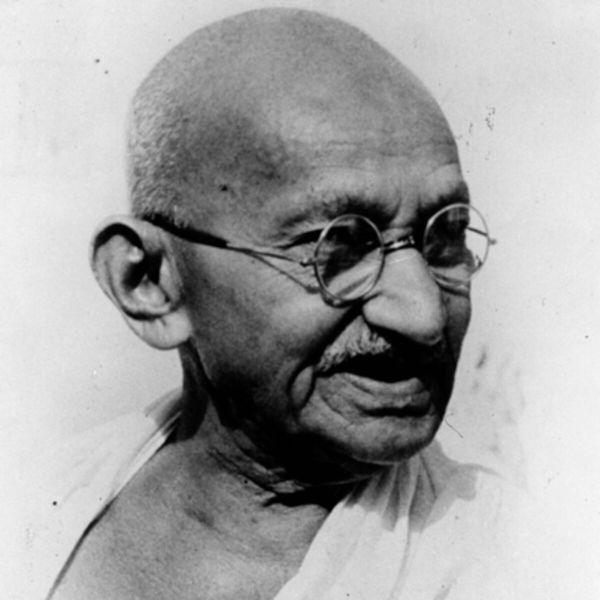
Zitate · Mahatma Gandhi
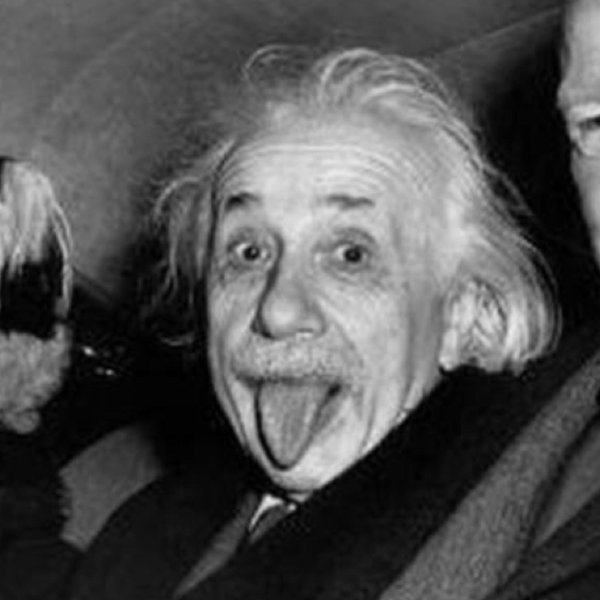
Zitate · Albert Einstein
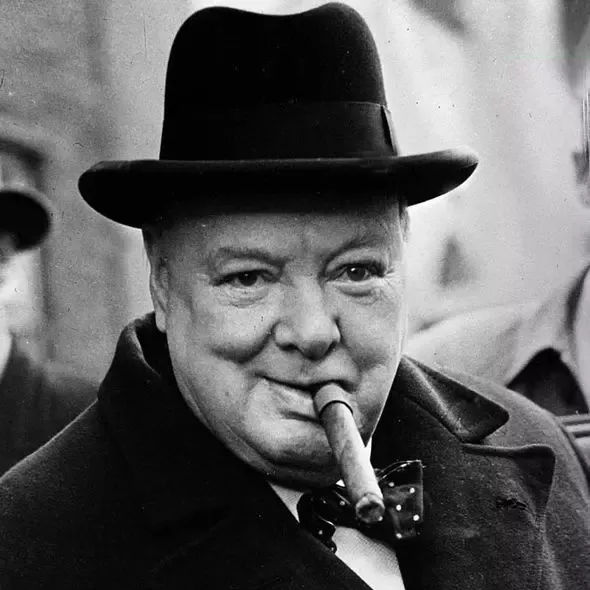
Zitate · Winston Churchill
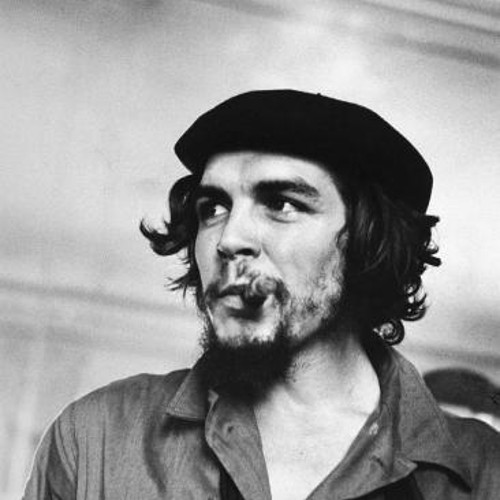
Zitate · Che Guevara
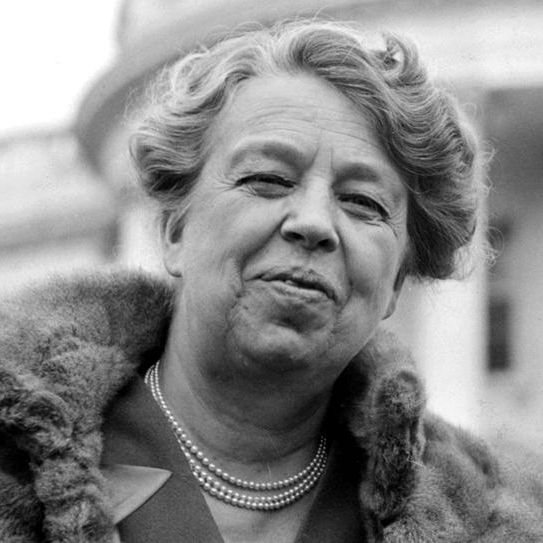
Zitate · Eleanor Roosevelt
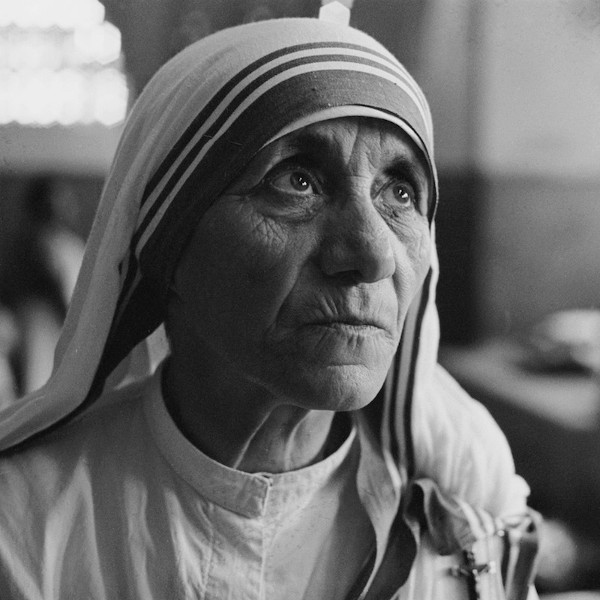
Zitate · Teresa de Calcuta
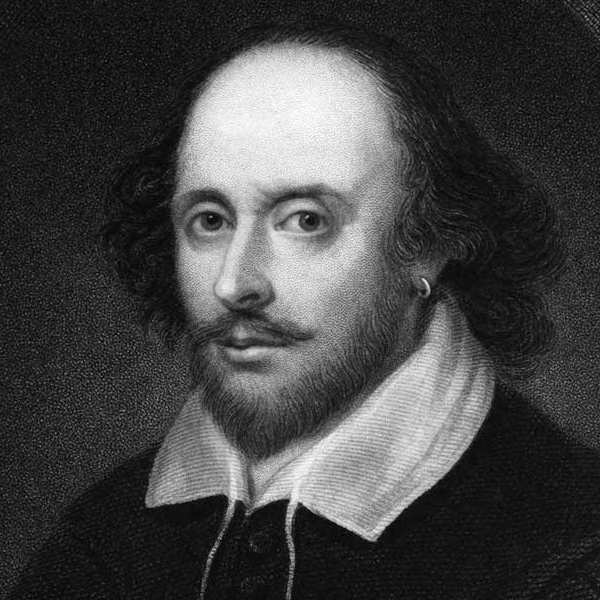
Zitate · William Shakespeare

Zitate · Coco Chanel
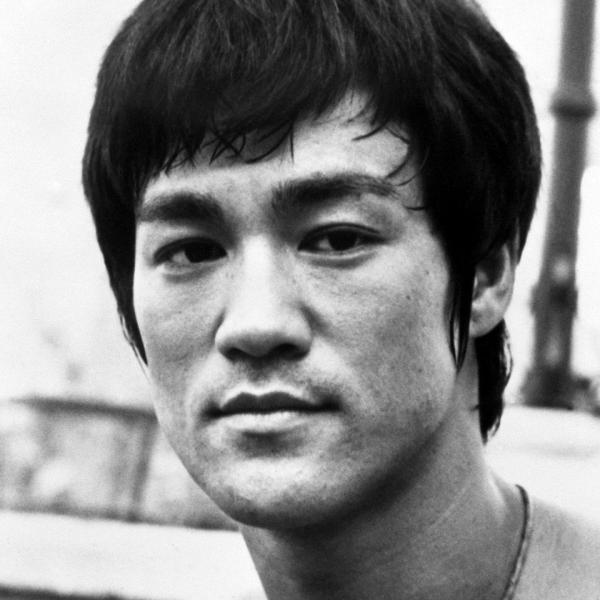
Zitate · Bruce Lee
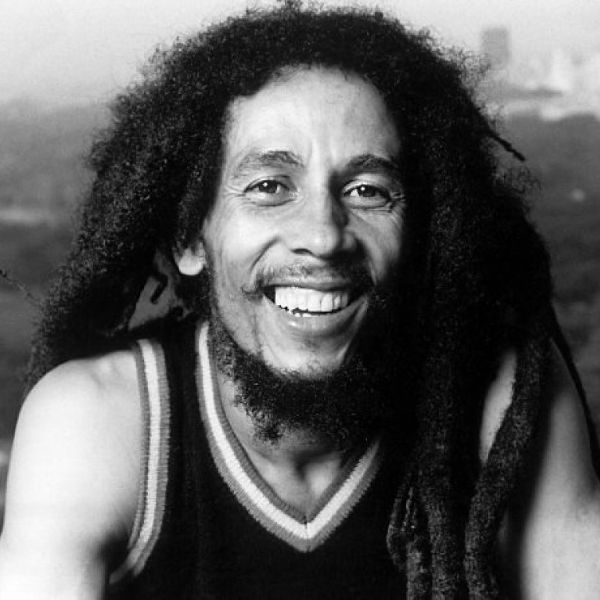
Zitate · Bob Marley
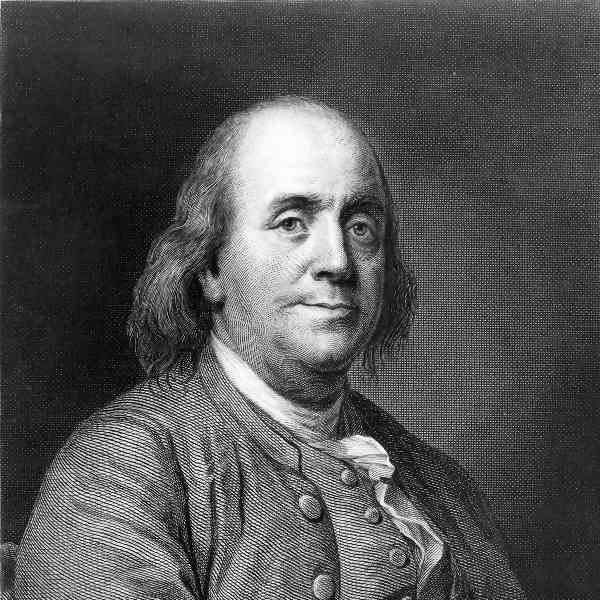
Zitate · Benjamin Franklin
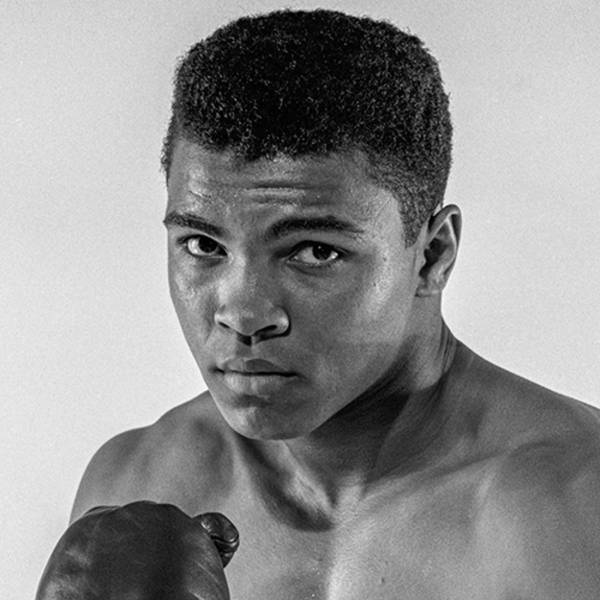
Zitate · Muhammad Ali
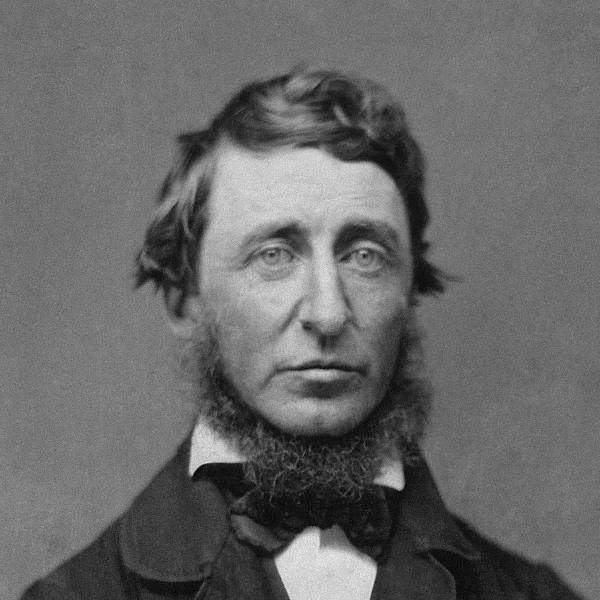
Zitate · Henry David Thoreau
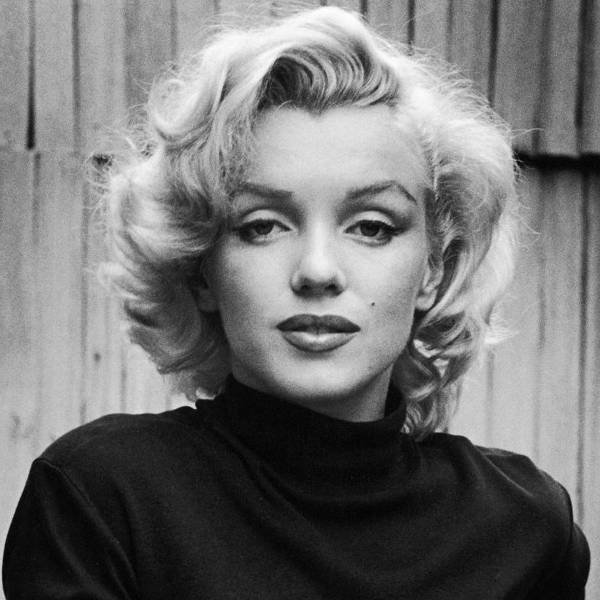
Zitate · Marilyn Monroe
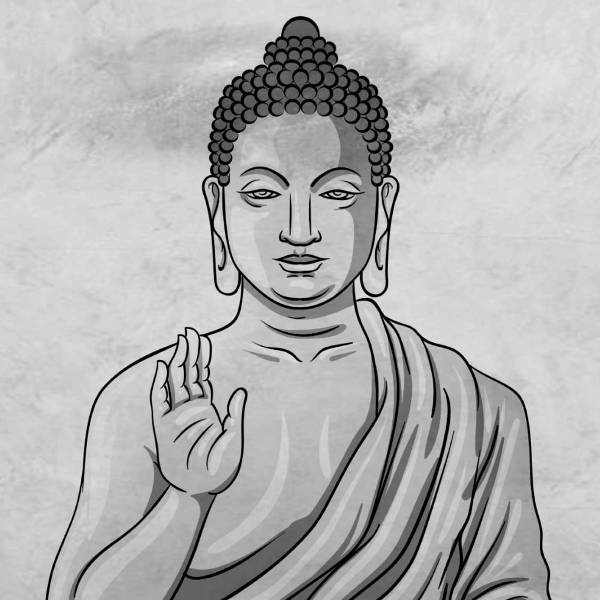
Zitate · Buda
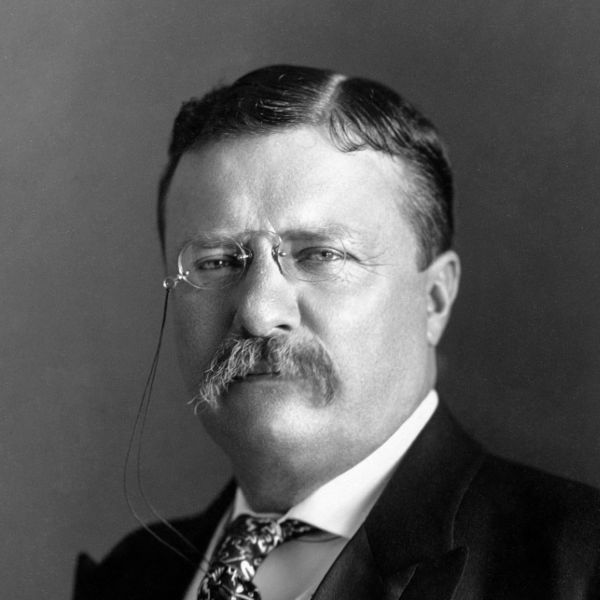
Zitate · Theodore Roosevelt
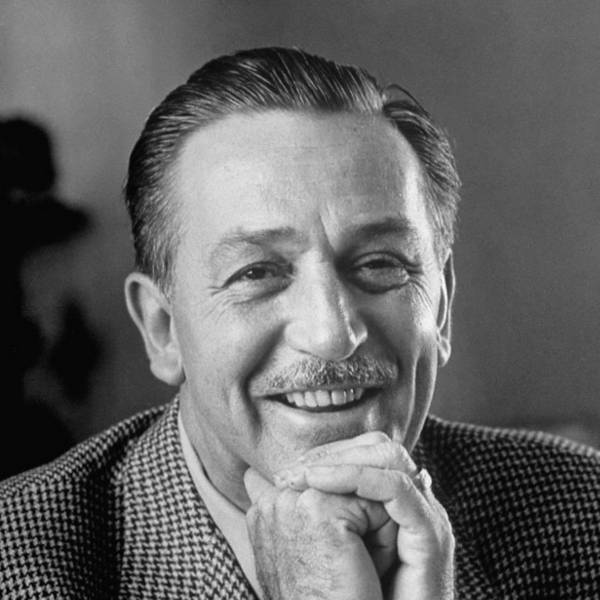
Zitate · Walt Disney
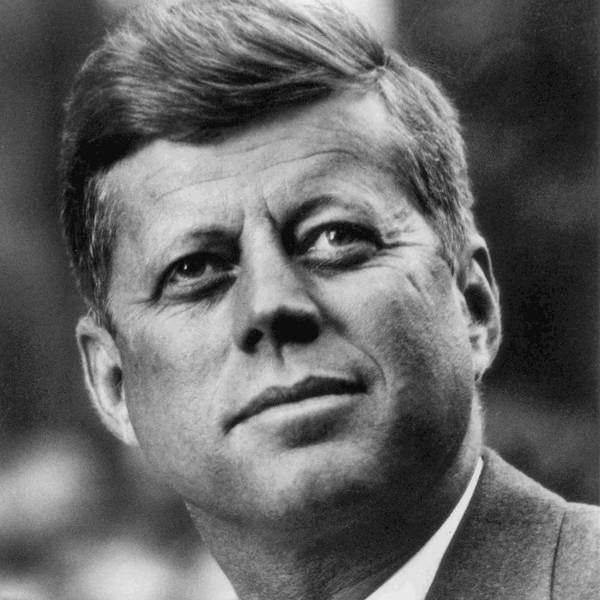
Zitate · John F. Kennedy
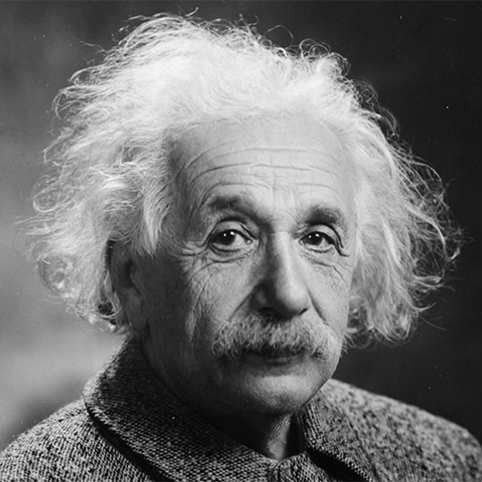
Zitate · Albert Einstein
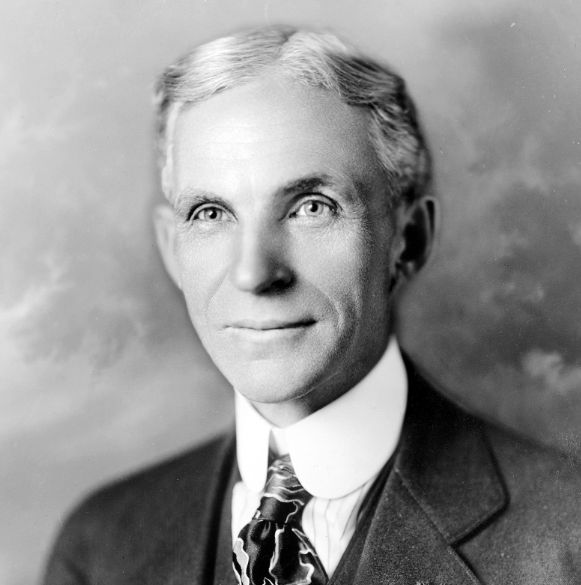
Zitate · Henry Ford
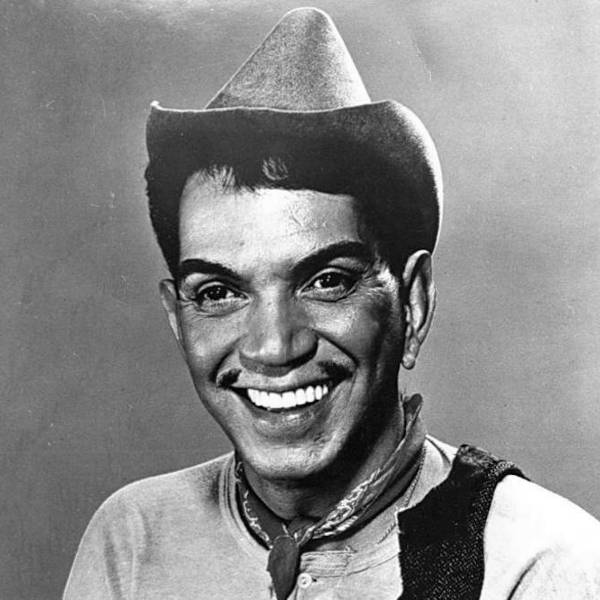
Zitate · Cantinflas · Mario Moreno
Load any punchy caption below onto a Zitate template, or customize it in your own words and export in seconds.
Me talking about Zitate
Expecting everyone to understand immediately
How Zitate looks in theory
How it actually goes on a Monday morning
Nobody:
Me sending Zitate memes at 1 AM
When someone brings up Zitate
And the conversation takes over the whole chat
First rule of Zitate
Make sure the punchline fits on two lines
Trying to stay focused
Getting distracted by Zitate instead
Filtered templates under Zitate let you pick the exact visual reaction or portrait you need without scrolling through unrelated formats.
Use the filtered gallery directly beneath the studio to preview every Zitate background.
Match lettering weight and contrast to the mood of your chosen template.
Download locally or send directly across your favorite apps.
Scroll to the template grid directly below the editor and click any Zitate thumbnail to load it onto the canvas immediately.
Yes. Click Upload your own image under the canvas to replace the background with any photo stored locally on your device.
Yes. You get the full studio controls including 8 color presets, 3 text background styles, horizontal/vertical flips, and 1:1, 4:5, or 16:9 sizing.
No. All canvas rendering stays strictly inside your browser for complete privacy.
Die Verwendung dieses kostenlosen Meme-Erstellungstools ist wirklich einfach.
1) Wählen Sie die Kategorie aus, um die verfügbaren Vorlagen anzuzeigen.
2) Wählen Sie das gewünschte Design aus.
3) Gehen Sie zum Textbereich, um die Nachricht einzugeben.
4) Wenn Sie fertig sind, gehen Sie zur Speicherseite.
Sie können die Speicherseite für spätere Verwendung speichern. Sobald es auf Ihrem Computer gespeichert ist, können Sie es in sozialen Netzwerken oder Messenger-Apps hochladen. Wenn es Ihnen gefällt, teilen Sie es mit Freunden!