Good Morning
Good Morning!
Today is a brand-new canvas—fill it with calm focus and kindness.
Möchten Sie inspirierende Botschaften ausdrücken und mit anderen Menschen teilen? Das Erstellen eines inspirierenden Memes kann Ihnen helfen, die Botschaft einfach und schnell zu verbreiten. Das Erstellen eines Memes mit memeton.com ist einfach, unterhaltsam und kostenlos. Wählen Sie einfach das entsprechende Bild aus den verfügbaren Kategorien aus, fügen Sie den Text mit der Nachricht hinzu und klicken Sie anschließend auf die Schaltfläche, um es freizugeben oder auf Ihrem Computer zu speichern. So einfach!
Ziehen Sie den Text, um ihn zu verschieben
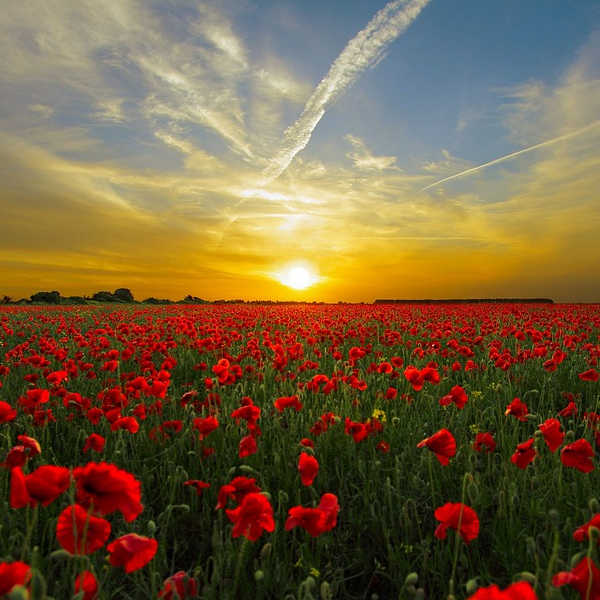
Inspirierend · Natur

Inspirierend · Natur

Inspirierend · Natur

Inspirierend · Natur
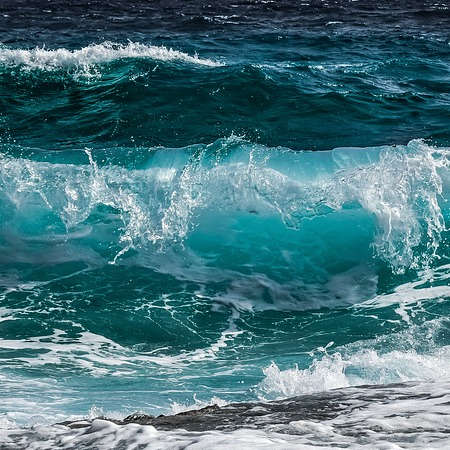
Inspirierend · Natur

Inspirierend · Peace · Natur

Inspirierend · Natur
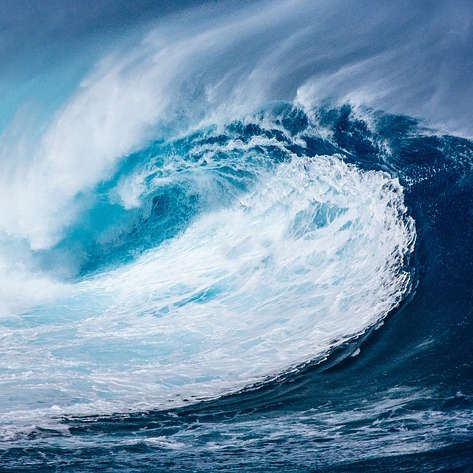
Inspirierend · Natur
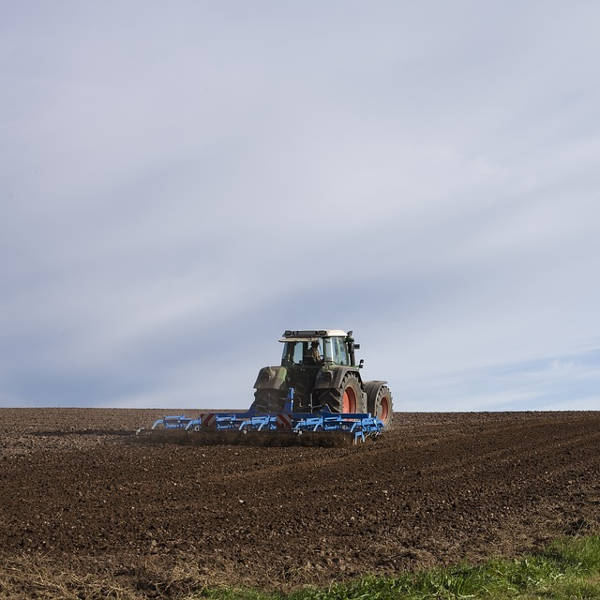
Inspirierend · Natur
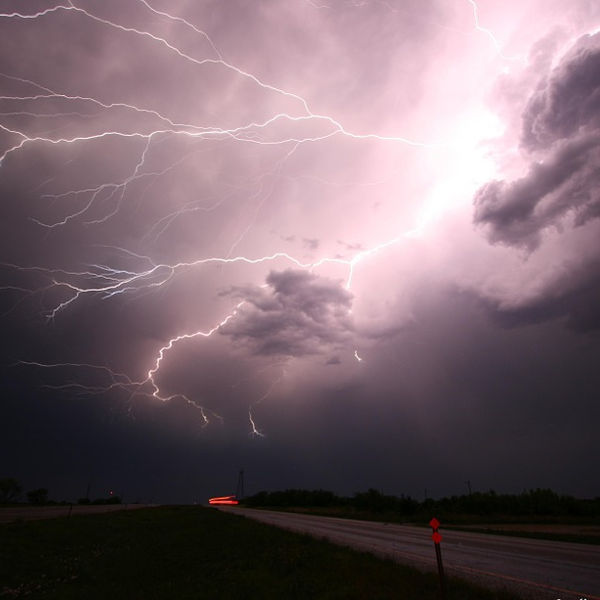
Inspirierend · Natur

Inspirierend · Natur

Inspirierend · Hope · Natur

Inspirierend · Love

Inspirierend · Natur

Inspirierend

Inspirierend

Inspirierend

Inspirierend

Inspirierend

Inspirierend

Inspirierend
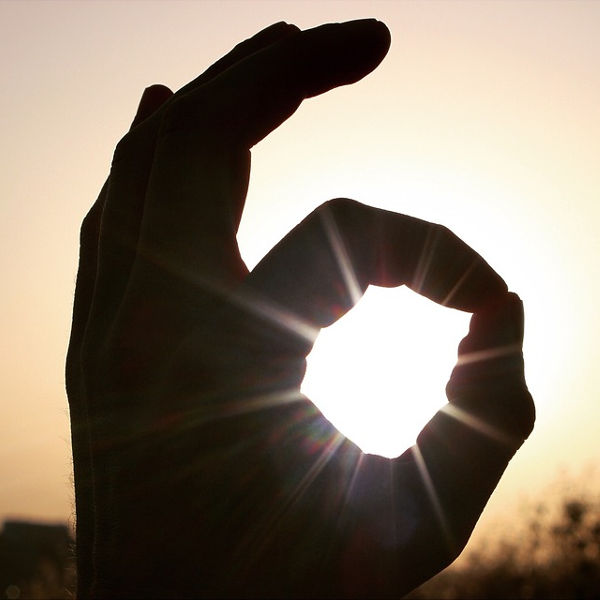
Inspirierend

Inspirierend

Inspirierend
Use these curated words of encouragement to brighten a friend's morning or build a motivational graphic on Memeton.
Good Morning!
Today is a brand-new canvas—fill it with calm focus and kindness.
Believe in Your Pace
Slow progress is still progress. Keep showing up for yourself.
Start With Gratitude
Notice three quiet blessings today and watch your perspective shift.
Small Steps Every Day
Consistency turns overwhelming goals into finished milestones.
Storms Pass, Roots Grow
Difficult weeks build the resilience you will thank yourself for later.
Sending Positive Energy
Just a reminder that you are appreciated more than you know.
Fresh Week, Clear Mind
Focus on what you can control and let the rest wait.
Rest Is Productive Too
Step back, breathe deeply, and recharge without guilt today.
Inspirational cards perform best when the visual calm of the background reinforces the rhythm of your message rather than competing with it.
Concise two-part phrasing makes motivational cards easy to read at a glance on mobile.
Nature landscapes, sunrises, and workspaces pair naturally with calm color presets.
Export options make it effortless to drop inspiration into daily group chats.
Yes. Click Upload your own image in the studio toolbar to turn any personal photograph into an inspirational card entirely inside your browser.
Switch Text Background to Soft Box or Solid Banner, or pick the Black text preset with a crisp white outline.
No. Every feature, template, font, and export option is completely free with no daily caps or account sign-up.
Yes. Toggle the Add 3rd text button above the message boxes to display and drag a center caption anywhere on the canvas.
Die Verwendung dieses kostenlosen Meme-Erstellungstools ist wirklich einfach.
1) Wählen Sie die Kategorie aus, um die verfügbaren Vorlagen anzuzeigen.
2) Wählen Sie das gewünschte Design aus.
3) Gehen Sie zum Textbereich, um die Nachricht einzugeben.
4) Wenn Sie fertig sind, gehen Sie zur Speicherseite.
Sie können die Speicherseite für spätere Verwendung speichern. Sobald es auf Ihrem Computer gespeichert ist, können Sie es in sozialen Netzwerken oder Messenger-Apps hochladen. Wenn es Ihnen gefällt, teilen Sie es mit Freunden!