Marcus Aurelius
You have power over your mind—not outside events.
Realize this, and you will find strength. — Marcus Aurelius
Möchten Sie Zitate, Worte der Weisheit und Sprüche mit anderen Menschen teilen? Durch das Erstellen eines Memes können Sie die Nachricht einfach und schnell verbreiten. Das Erstellen eines Memes mit memeton.com ist einfach, unterhaltsam und kostenlos. Wählen Sie einfach das entsprechende Bild aus den verfügbaren Kategorien aus, fügen Sie den Text mit der Nachricht hinzu und klicken Sie anschließend auf die Schaltfläche, um es freizugeben oder auf Ihrem Computer zu speichern. So einfach!
Erstellen Sie jetzt Zitate Memes!
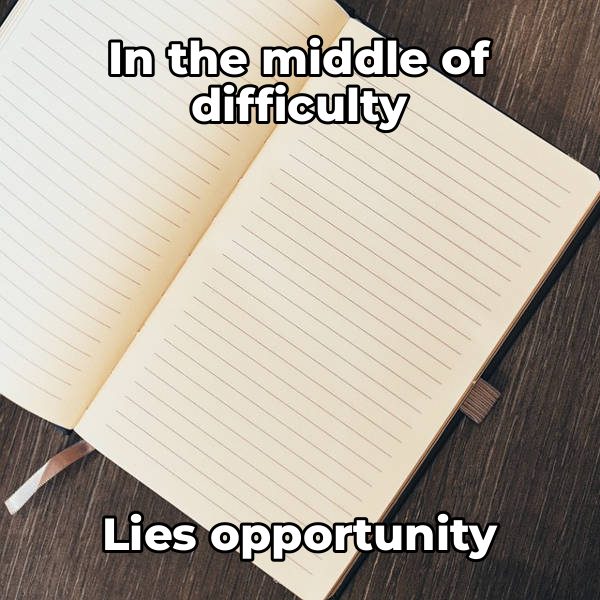
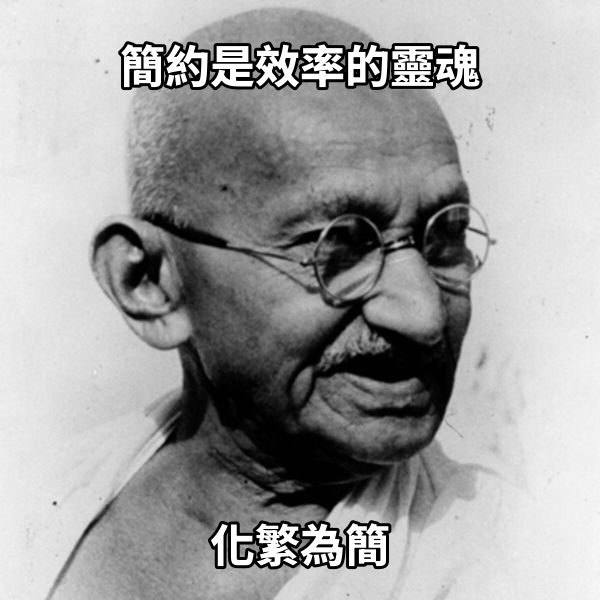
Browse attributed wisdom ready to load onto author portraits or scenic backgrounds in Memeton.
You have power over your mind—not outside events.
Realize this, and you will find strength. — Marcus Aurelius
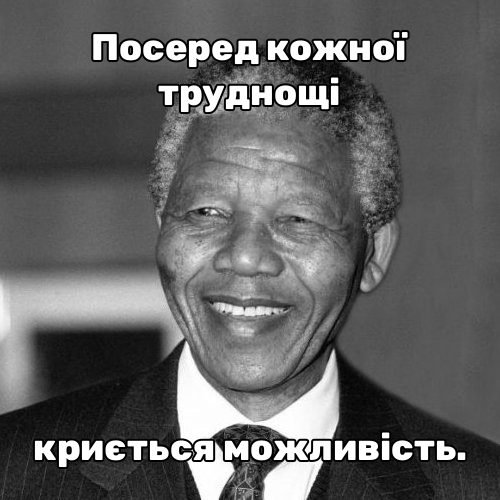
In the middle of difficulty
lies opportunity. — Albert Einstein
Nothing will work
unless you do. — Maya Angelou
We suffer more often in imagination
than in reality. — Seneca
No one can make you feel inferior
without your consent. — Eleanor Roosevelt
Be the change that you wish to see
in the world. — Mahatma Gandhi
Success is not final, failure is not fatal:
it is the courage to continue that counts.
The way to get started
is to quit talking and begin doing. — Walt Disney
Great quote graphics respect the rhythm of the original sentence and give clear credit to the speaker without cluttering the portrait.
Serif and typewriter fonts honor literary and historical voices.
Keep the thinker’s face clear while maintaining high reading contrast.
Search and bookmark specific historical figures in seconds.
Split the sentence across Top, Middle, and Bottom text boxes, or switch Canvas Format from 1:1 Square to 4:5 Story for extra vertical height.
Yes. Many quote backgrounds are tagged by thinker name so you can filter instantly in the search box below the editor.
Yes. Choose between Outline Only, Soft Box (translucent pill), and Solid Banner directly in the studio controls.
Yes. Switching the site language or typing CJK, Arabic, Cyrillic, Greek, or Devanagari characters automatically selects compatible webfonts.
Die Verwendung dieses kostenlosen Meme-Erstellungstools ist wirklich einfach.
1) Wählen Sie die Kategorie aus, um die verfügbaren Vorlagen anzuzeigen.
2) Wählen Sie das gewünschte Design aus.
3) Gehen Sie zum Textbereich, um die Nachricht einzugeben.
4) Wenn Sie fertig sind, gehen Sie zur Speicherseite.
Sie können die Speicherseite für spätere Verwendung speichern. Sobald es auf Ihrem Computer gespeichert ist, können Sie es in sozialen Netzwerken oder Messenger-Apps hochladen. Wenn es Ihnen gefällt, teilen Sie es mit Freunden!