Nature Reaction
Me talking about Nature
Expecting everyone to understand immediately
Créer un Meme avec memeton.com est facile, amusant et gratuit.
Faites glisser le texte pour le repositionner

Inspirants · Nature
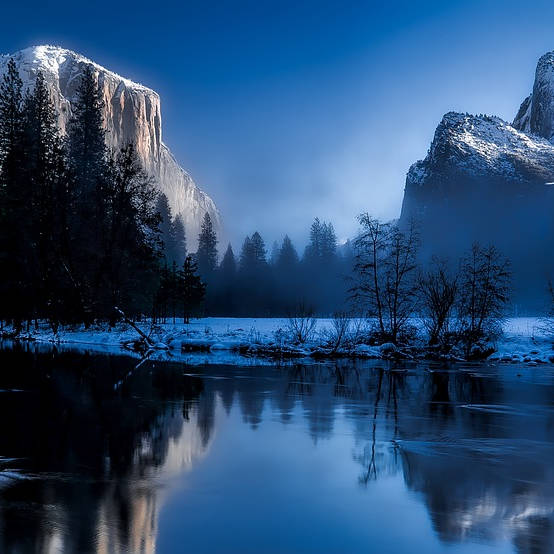
Inspirants · Nature

Inspirants · Nature

Inspirants · Nature

Inspirants · Nature

Inspirants · Peace · Nature

Inspirants · Nature

Inspirants · Nature

Inspirants · Nature
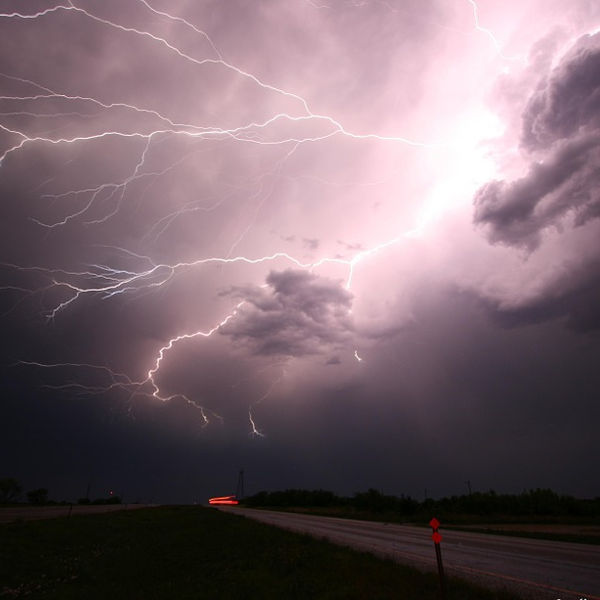
Inspirants · Nature

Inspirants · Nature

Inspirants · Hope · Nature

Inspirants · Nature

Inspirants · Nature

Inspirants · Peace · Nature
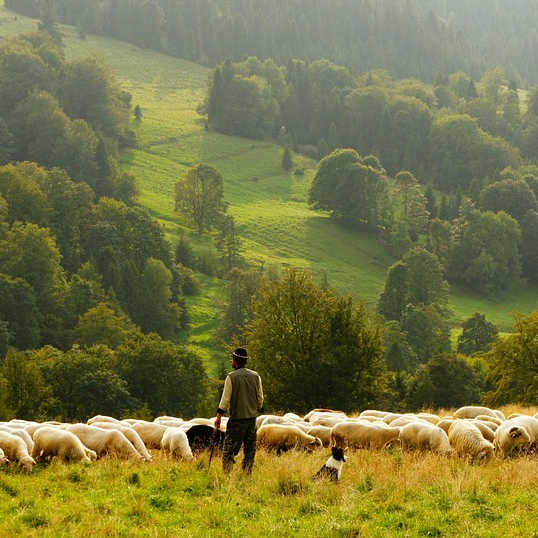
Inspirants · Nature
Load any punchy caption below onto a Nature template, or customize it in your own words and export in seconds.
Me talking about Nature
Expecting everyone to understand immediately
How Nature looks in theory
How it actually goes on a Monday morning
Nobody:
Me sending Nature memes at 1 AM
When someone brings up Nature
And the conversation takes over the whole chat
First rule of Nature
Make sure the punchline fits on two lines
Trying to stay focused
Getting distracted by Nature instead
Filtered templates under Nature let you pick the exact visual reaction or portrait you need without scrolling through unrelated formats.
Use the filtered gallery directly beneath the studio to preview every Nature background.
Match lettering weight and contrast to the mood of your chosen template.
Download locally or send directly across your favorite apps.
Scroll to the template grid directly below the editor and click any Nature thumbnail to load it onto the canvas immediately.
Yes. Click Upload your own image under the canvas to replace the background with any photo stored locally on your device.
Yes. You get the full studio controls including 8 color presets, 3 text background styles, horizontal/vertical flips, and 1:1, 4:5, or 16:9 sizing.
No. All canvas rendering stays strictly inside your browser for complete privacy.
Utiliser cet Outil Gratuit de Création de Mèmes est vraiment très simple.
1) Sélectionnez la catégorie pour afficher les modèles disponibles.
2) Sélectionnez le modèle que vous souhaitez.
3) Rendez-vous dans la section texte pour saisir le message.
4) Une fois terminé, accédez à la page d'enregistrement.
Vous pouvez ajouter cette page à vos favoris pour référence future. Une fois enregistré sur votre ordinateur, vous pourrez le publier sur vos réseaux sociaux préférés, messageries, etc. Enfin, si vous aimez le mème, partagez-le avec vos amis !