Marcus Aurelius
You have power over your mind—not outside events.
Realize this, and you will find strength. — Marcus Aurelius
Voulez-vous partager des citations, des paroles de sagesse et des dictons avec d'autres personnes? La création d'un mème peut vous aider à diffuser le message facilement et rapidement. Créer un Mème avec memeton.com est facile, amusant et gratuit. Il suffit de choisir l'image appropriée des catégories disponibles, ajoutez le texte avec le message, et lorsque vous avez terminé, cliquez sur le bouton pour le partager ou l'enregistrer sur votre ordinateur. C'est facile !
Faites glisser le texte pour le repositionner

Citations
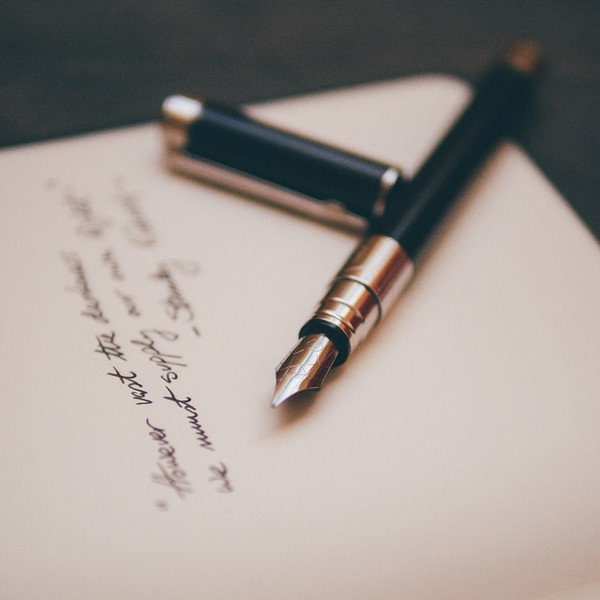
Citations

Citations
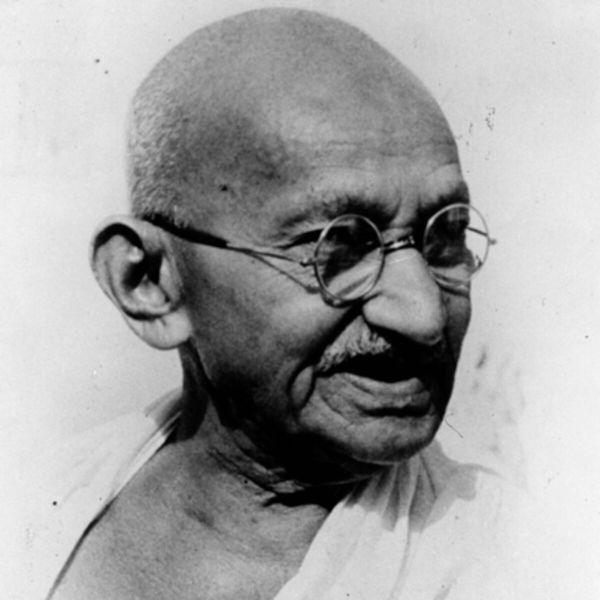
Citations · Mahatma Gandhi
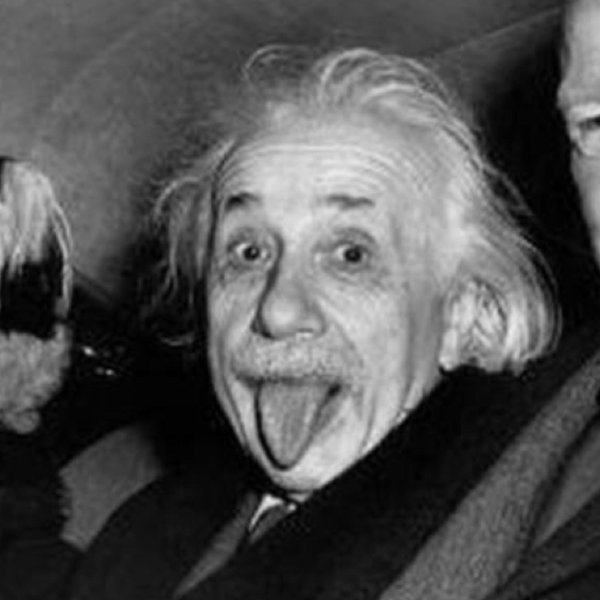
Citations · Albert Einstein
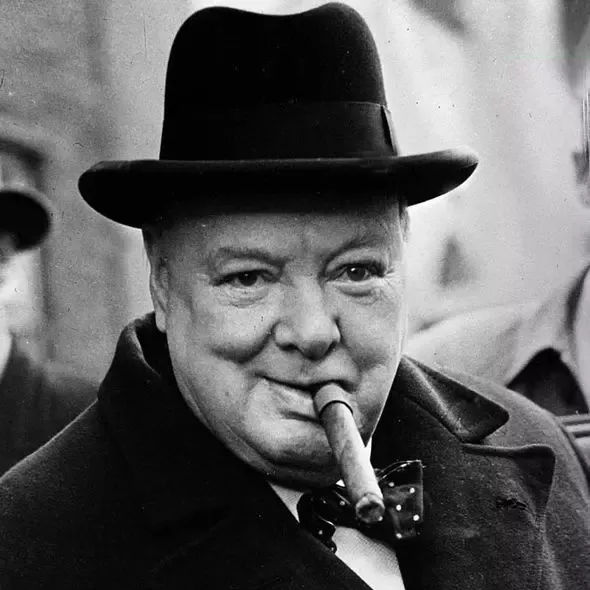
Citations · Winston Churchill
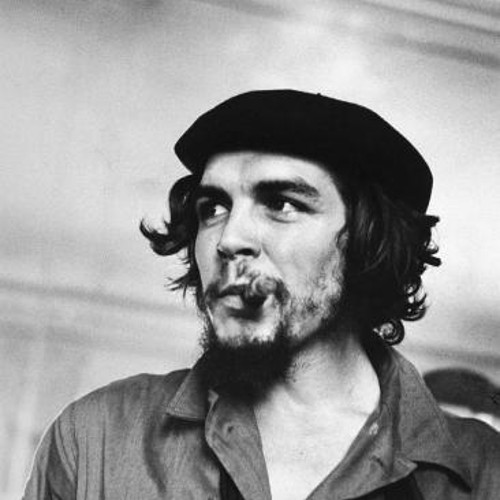
Citations · Che Guevara
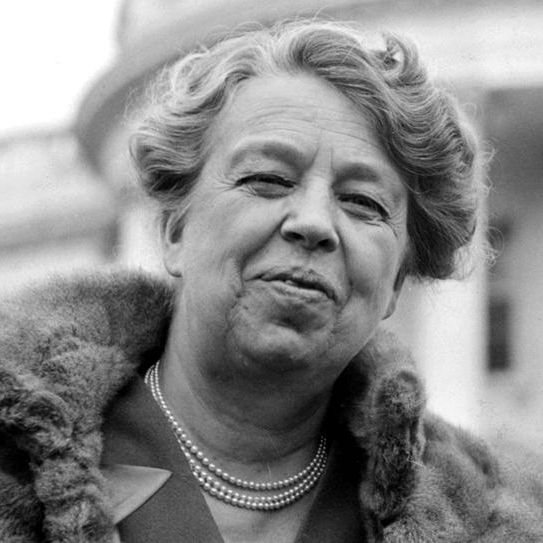
Citations · Eleanor Roosevelt

Citations · Teresa de Calcuta
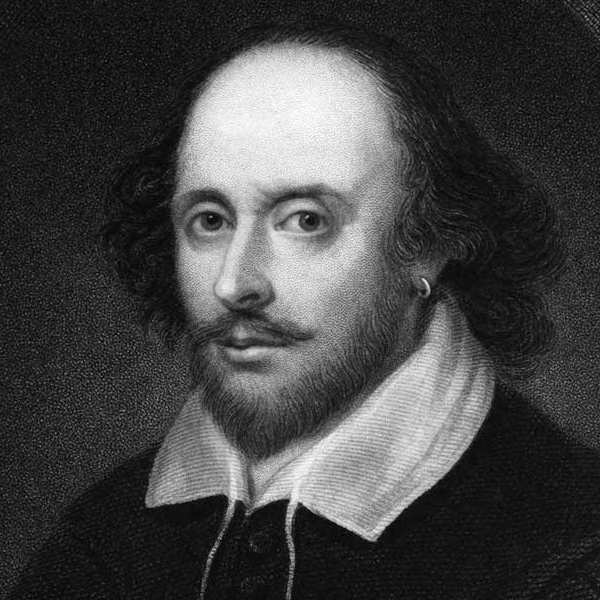
Citations · William Shakespeare
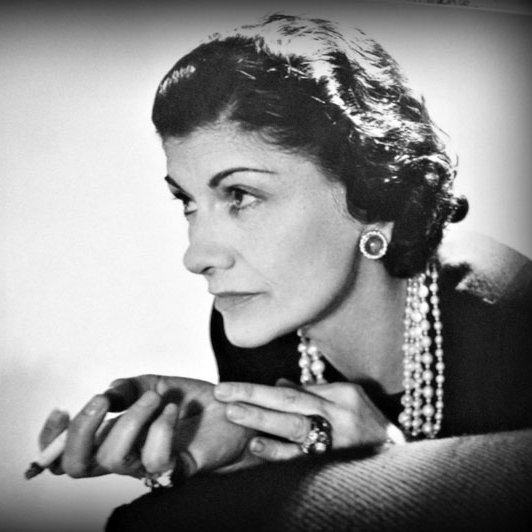
Citations · Coco Chanel
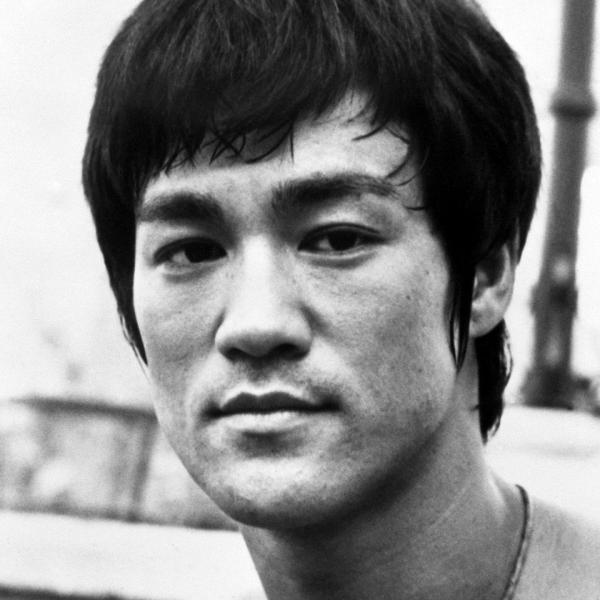
Citations · Bruce Lee

Citations · Bob Marley
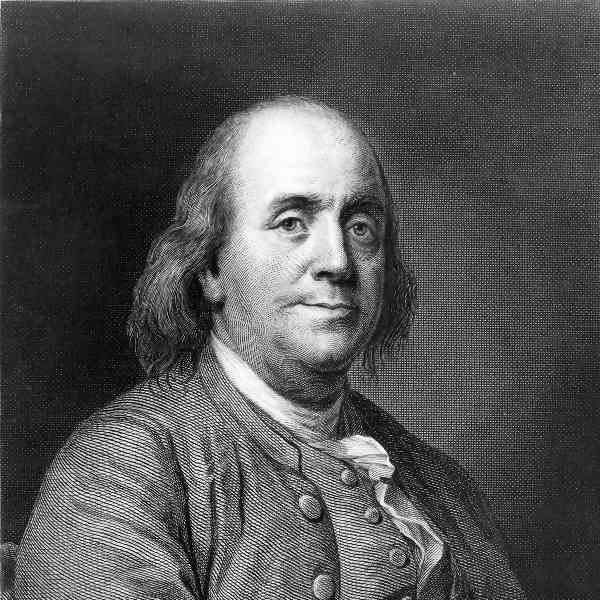
Citations · Benjamin Franklin
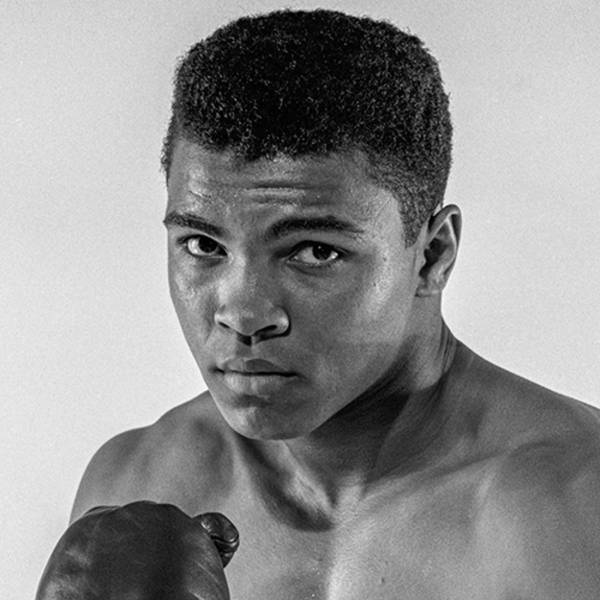
Citations · Muhammad Ali
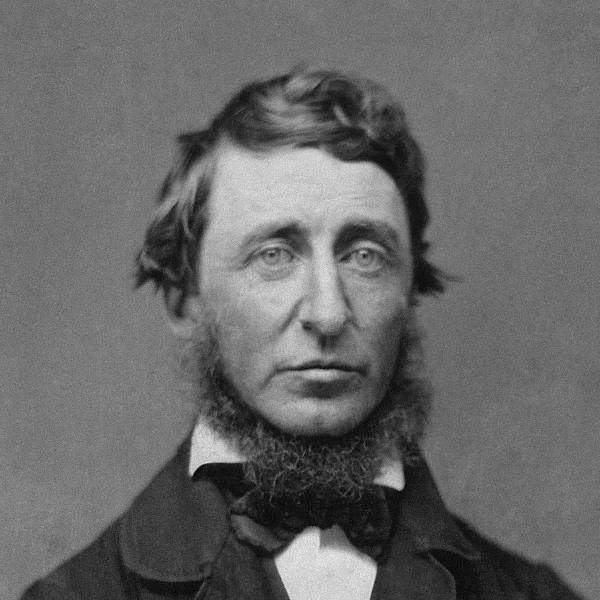
Citations · Henry David Thoreau

Citations · Marilyn Monroe
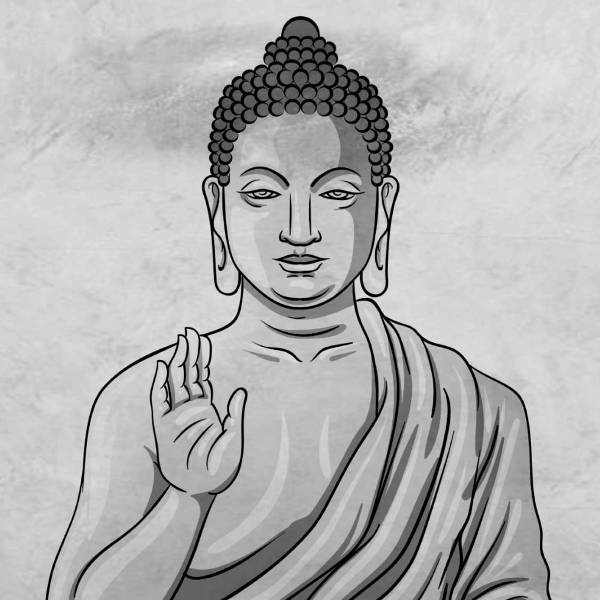
Citations · Buda
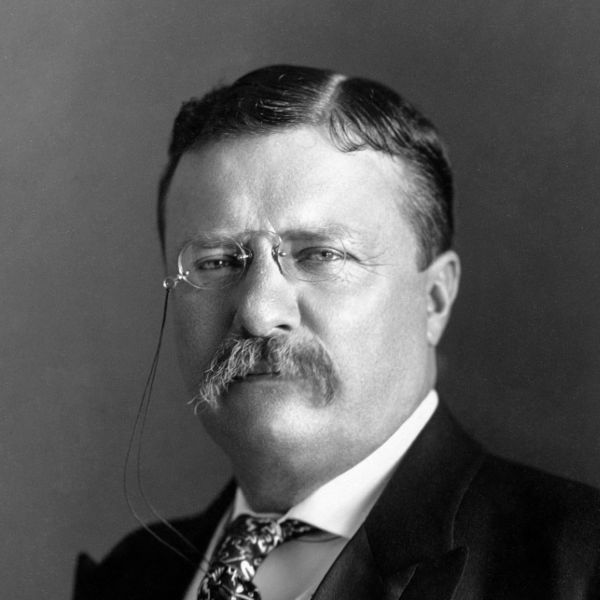
Citations · Theodore Roosevelt
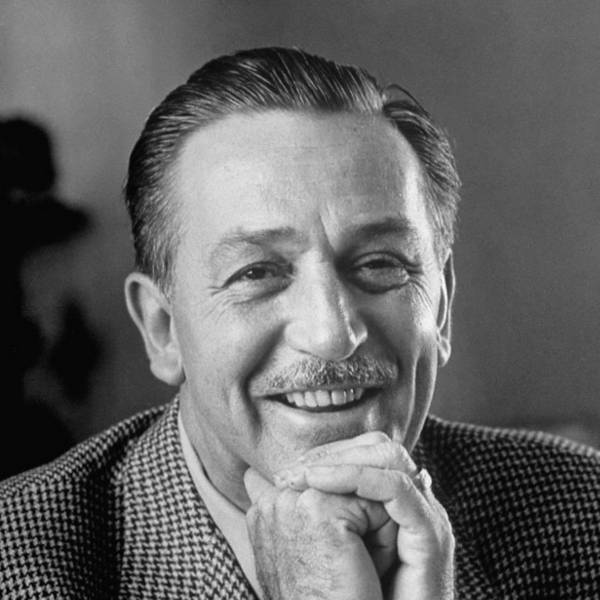
Citations · Walt Disney
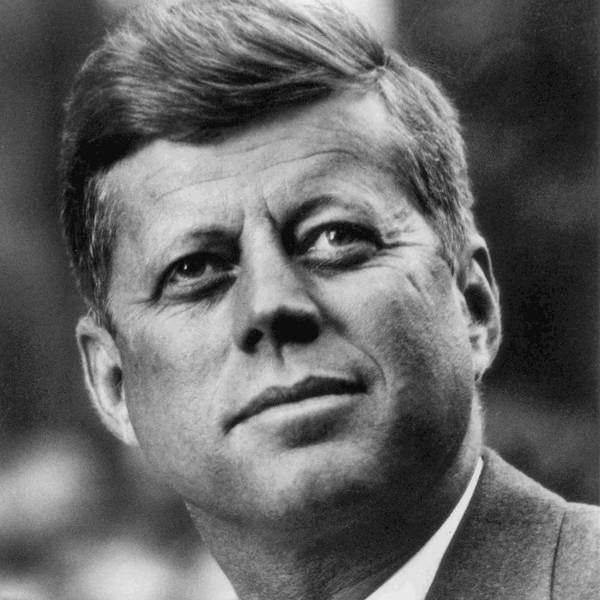
Citations · John F. Kennedy
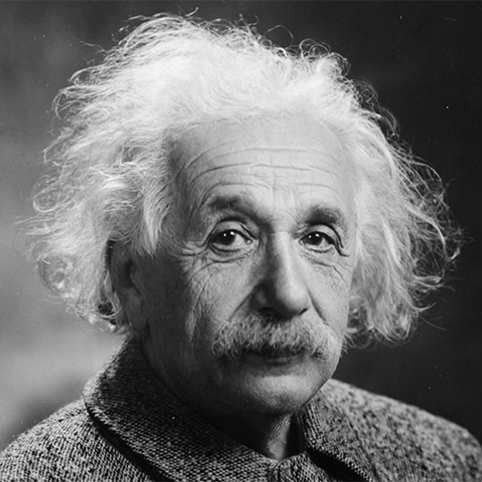
Citations · Albert Einstein
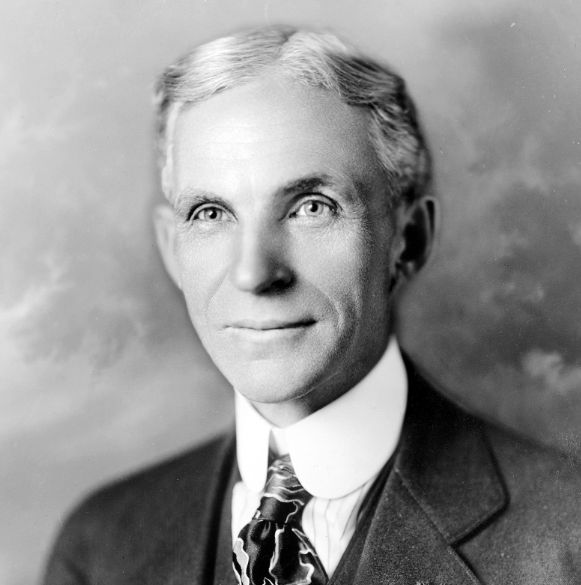
Citations · Henry Ford
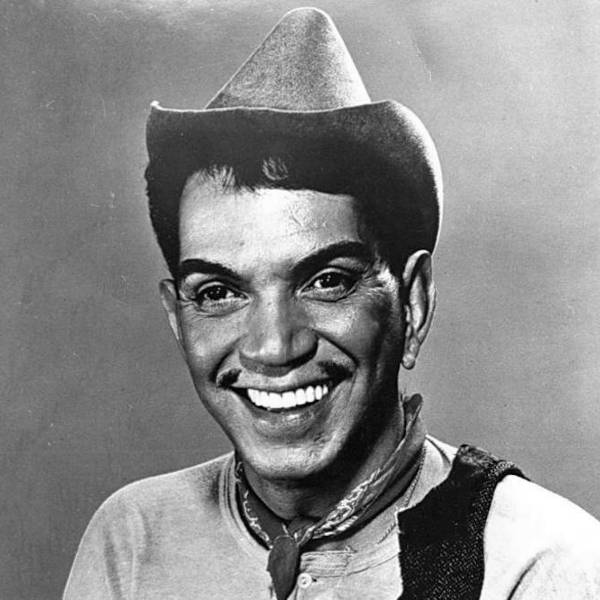
Citations · Cantinflas · Mario Moreno
Browse attributed wisdom ready to load onto author portraits or scenic backgrounds in Memeton.
You have power over your mind—not outside events.
Realize this, and you will find strength. — Marcus Aurelius
In the middle of difficulty
lies opportunity. — Albert Einstein
Nothing will work
unless you do. — Maya Angelou
We suffer more often in imagination
than in reality. — Seneca
No one can make you feel inferior
without your consent. — Eleanor Roosevelt
Be the change that you wish to see
in the world. — Mahatma Gandhi
Success is not final, failure is not fatal:
it is the courage to continue that counts.
The way to get started
is to quit talking and begin doing. — Walt Disney
Great quote graphics respect the rhythm of the original sentence and give clear credit to the speaker without cluttering the portrait.
Serif and typewriter fonts honor literary and historical voices.
Keep the thinker’s face clear while maintaining high reading contrast.
Search and bookmark specific historical figures in seconds.
Split the sentence across Top, Middle, and Bottom text boxes, or switch Canvas Format from 1:1 Square to 4:5 Story for extra vertical height.
Yes. Many quote backgrounds are tagged by thinker name so you can filter instantly in the search box below the editor.
Yes. Choose between Outline Only, Soft Box (translucent pill), and Solid Banner directly in the studio controls.
Yes. Switching the site language or typing CJK, Arabic, Cyrillic, Greek, or Devanagari characters automatically selects compatible webfonts.
Utiliser cet Outil Gratuit de Création de Mèmes est vraiment très simple.
1) Sélectionnez la catégorie pour afficher les modèles disponibles.
2) Sélectionnez le modèle que vous souhaitez.
3) Rendez-vous dans la section texte pour saisir le message.
4) Une fois terminé, accédez à la page d'enregistrement.
Vous pouvez ajouter cette page à vos favoris pour référence future. Une fois enregistré sur votre ordinateur, vous pourrez le publier sur vos réseaux sociaux préférés, messageries, etc. Enfin, si vous aimez le mème, partagez-le avec vos amis !