Captain America Joke
Why do programmers prefer dark mode?
Here we go again...
Not in the elevator, Steve.
Because light attracts bugs!
Niektóre memy wymagają precyzyjnego ułożenia napisów w konkretnych kadrach, aby wyglądały profesjonalnie. Dawniej trzeba było robić to ręcznie w programach graficznych. Na memeton.com zrobisz to automatycznie! Wybierz szablon z poniższej listy, wpisz teksty i gotowe!
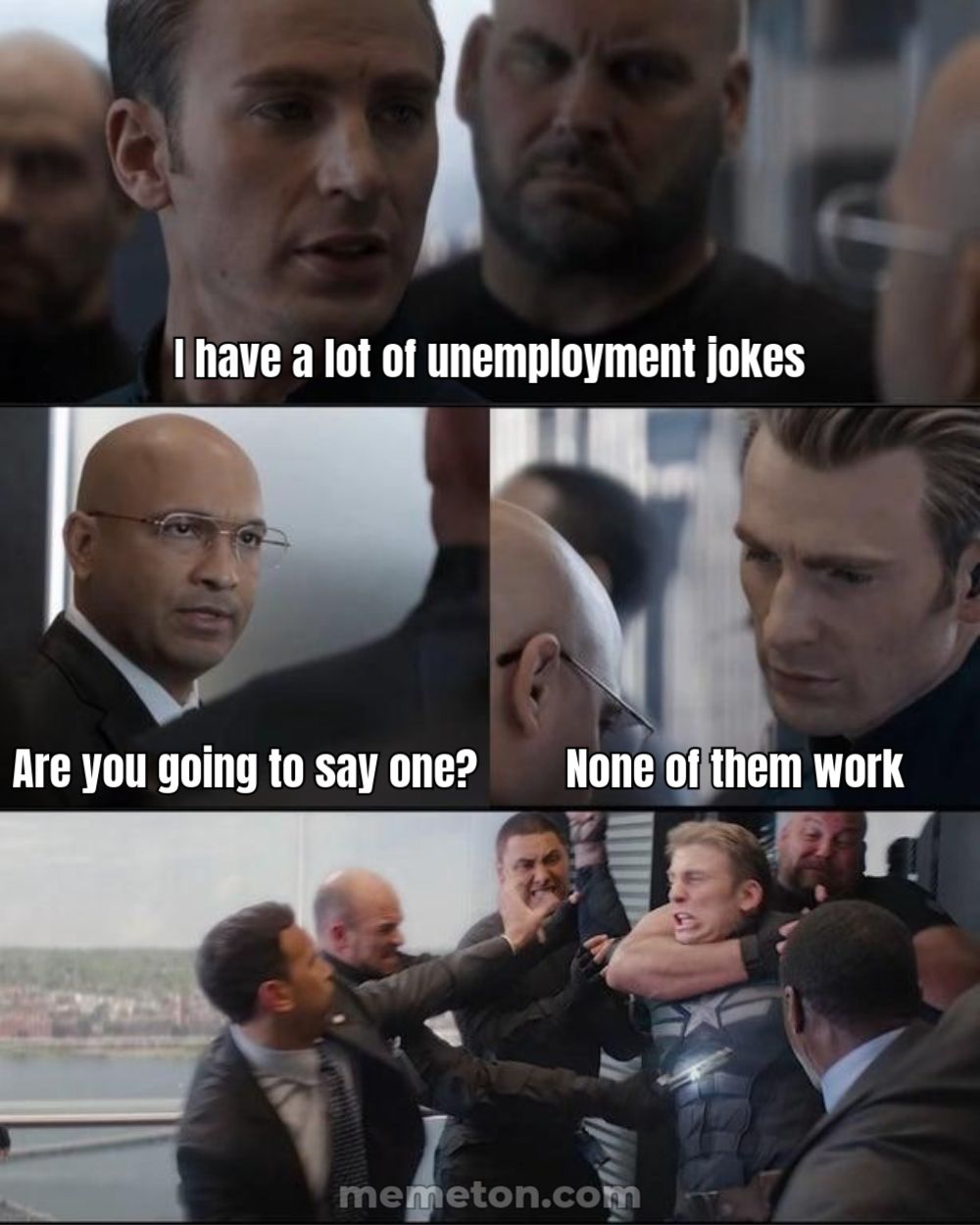
Chcesz stworzyć słynny mem z sucharem Kapitana Ameryki w windzie? Nie musisz męczyć się z ręcznym dopasowywaniem 4 tekstów! Z memeton.com wpisujesz tylko kwestie i mem gotowy do pobrania lub wysłania znajomym.
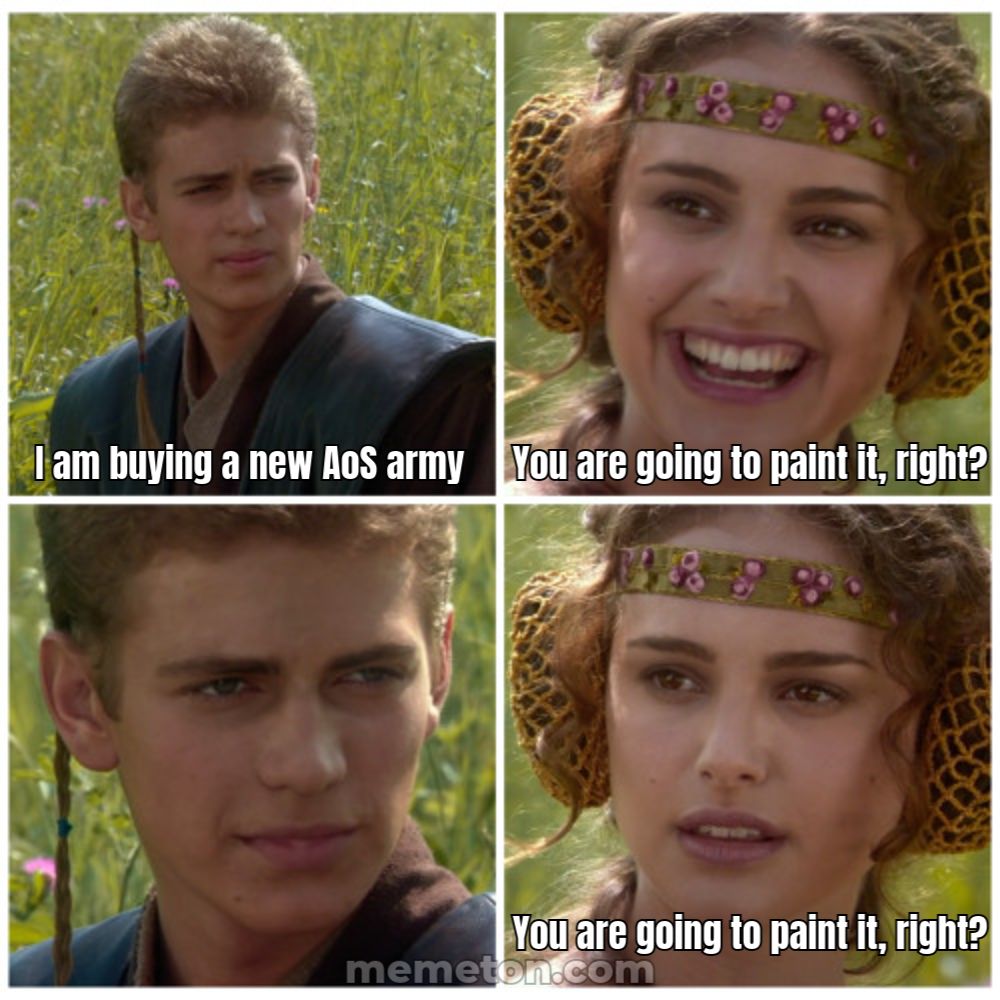
Chcesz stworzyć mem 'Prawda? / For the better' z Padme i Anakinem? memeton.com przygotował dedykowany szablon z idealnie rozmieszczonymi polami tekstowymi. Wpisz kwestie i podziel się memem ze znajomymi!
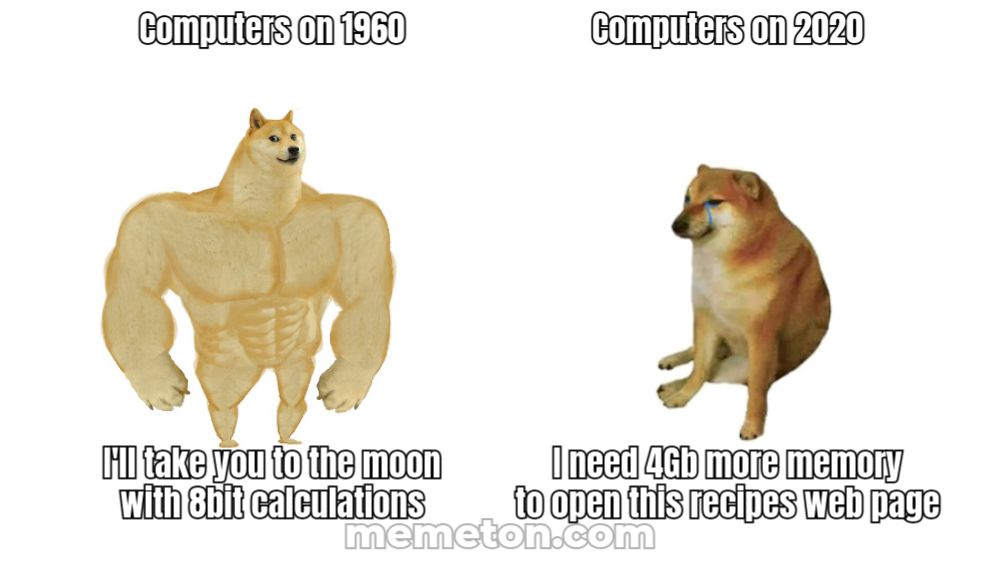
Chcesz stworzyć mem Buff Doge kontra Cheems? Nie chcesz ręcznie ustawiać pozycji tekstu? Jesteś we właściwym miejscu! Tworzenie mema Buff Doge kontra Cheems na memeton.com jest proste, przyjemne i darmowe. Po prostu wpisz teksty, a gdy skończysz, kliknij przycisk, aby udostępnić lub zapisać go na komputerze. To takie proste!

Each special meme below has precision-mapped text regions so dialogue lands in the exact comic panel without manual resizing.
Why do programmers prefer dark mode?
Here we go again...
Not in the elevator, Steve.
Because light attracts bugs!
We are pushing a quick hotfix on Friday at 5 PM.
So everyone goes home early, right?
So everyone goes home early, right?
Developers in 1995
4 KB RAM is plenty for my game.
Developers Today
Help, my to-do app needs 2 GB RAM.
What do you call a fake noodle?
Wait, do not say it.
Please let me off on the next floor.
An impasta!
I am going to reorganize the shared drive.
Keeping all existing links working, right?
Keeping all existing links working, right?
Me on Monday at 8 AM
Zero unread emails and full of ambition.
Me on Thursday at 4 PM
Please do not send one more calendar invite.
Multi-panel memes rely on visual rhythm—each speech or caption box sits inside a specific panel so readers follow the comedic beat left-to-right and top-to-bottom.
A setup-reaction-groan-punchline comic where timing escalates across four frames.
Classic dramatic irony built from Anakin’s ominous statement and Padme’s hopeful follow-up.
Side-by-side "then vs. now" or "expectation vs. reality" contrast.
Yes. Boxes start centered in each panel automatically, and you can still drag any text box directly on the canvas if you have a longer joke.
Montserrat works cleanly for multi-sentence dialogue inside speech panels, while Anton delivers classic bold punchlines.
Yes. Each special meme editor includes a Suggest text button above the text boxes that loads ready-made multi-panel examples.
Yes. Downloads scale to 1080 px width in JPEG (or PNG when using Copy Image) for crisp text in every panel.
Korzystanie z tego darmowego generatora memów jest niezwykle proste.
1) Wybierz kategorię, aby zobaczyć dostępne szablony.
2) Wybierz wzór, który Ci odpowiada.
3) Przejdź do sekcji tekstowej, aby wpisać swój podpis.
4) Po zakończeniu przejdź do strony zapisu.
Możesz zapisać stronę w zakładkach na przyszłość. Po zapisaniu na dysku możesz udostępnić mem w mediach społecznościowych, komunikatorach itp. Jeśli mem Ci się podoba, podziel się nim ze znajomymi!