Captain America Joke
Why do programmers prefer dark mode?
Here we go again...
Not in the elevator, Steve.
Because light attracts bugs!
Există unele meme speciale unde textele trebuie poziționate foarte precis pentru a păstra efectul comic original. Nu mai este nevoie să le editezi manual! Pe memeton.com am creat formate speciale pre-configurate pentru aceste meme. Alege modelul, scrie replicile și salvează-l într-o clipă!
Vrei să creezi celebrul meme cu gluma din lift a Căpitanului America? memeton.com îți oferă cele 4 câmpuri de text gata poziționate perfect. Tastează replicile și salvează meme-ul instantaneu!
Vrei să creezi un meme Padme & Anakin fără să așezi textele manual? memeton.com îți pune la dispoziție formatul optim pentru acest meme. Completează replicile și bucură-te de rezultat!
Vrei să creezi un meme Buff Doge vs. Cheems? Nu vrei să editezi pozițiile textului manual? Atunci ești în locul potrivit, pentru că realizarea unui meme Buff Doge vs. Cheems pe memeton.com este ușoară, distractivă și gratuită. Adaugă textele dorite și, când ai terminat, apasă pe buton pentru a-l distribui sau salva pe computer. Atât de simplu!
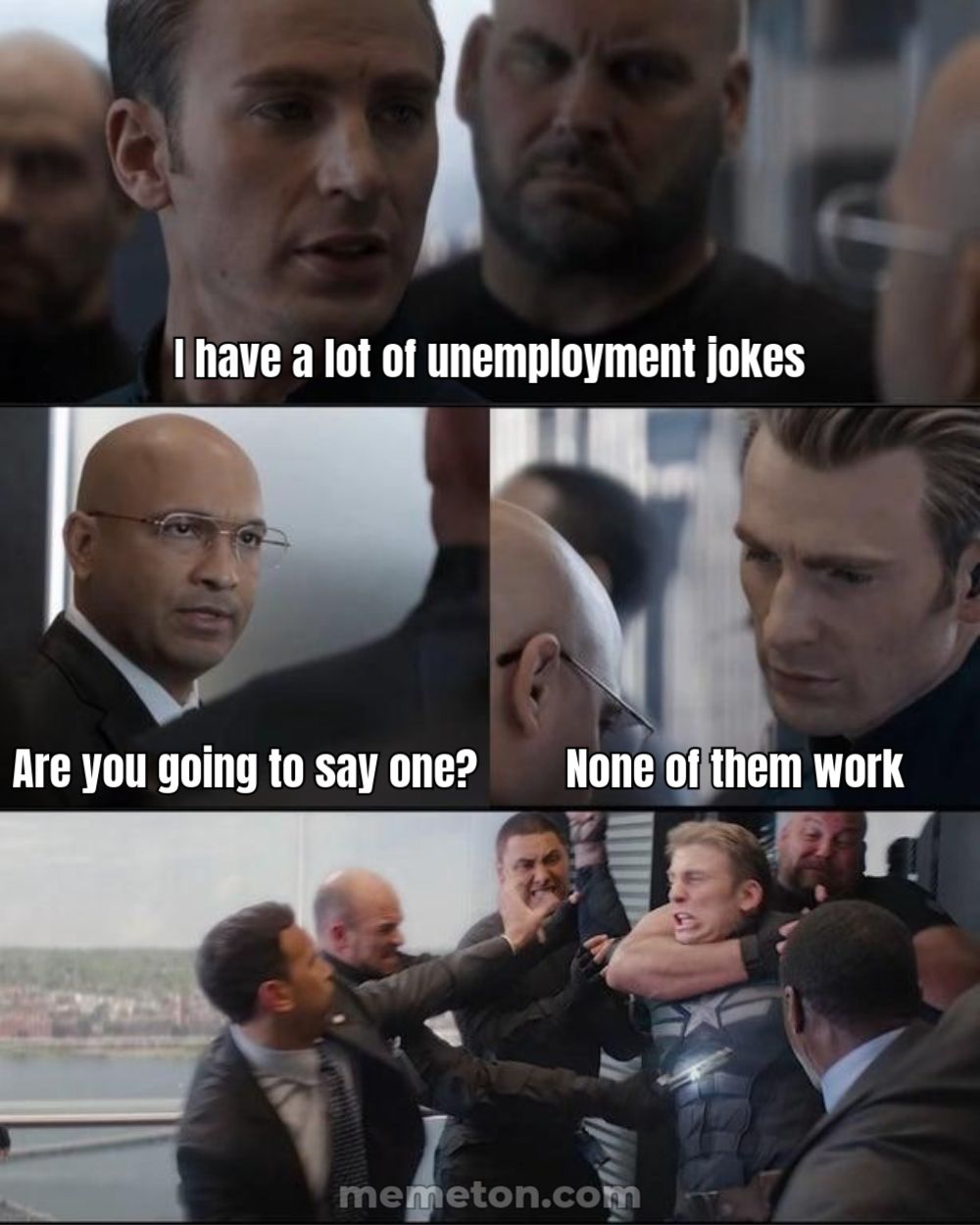
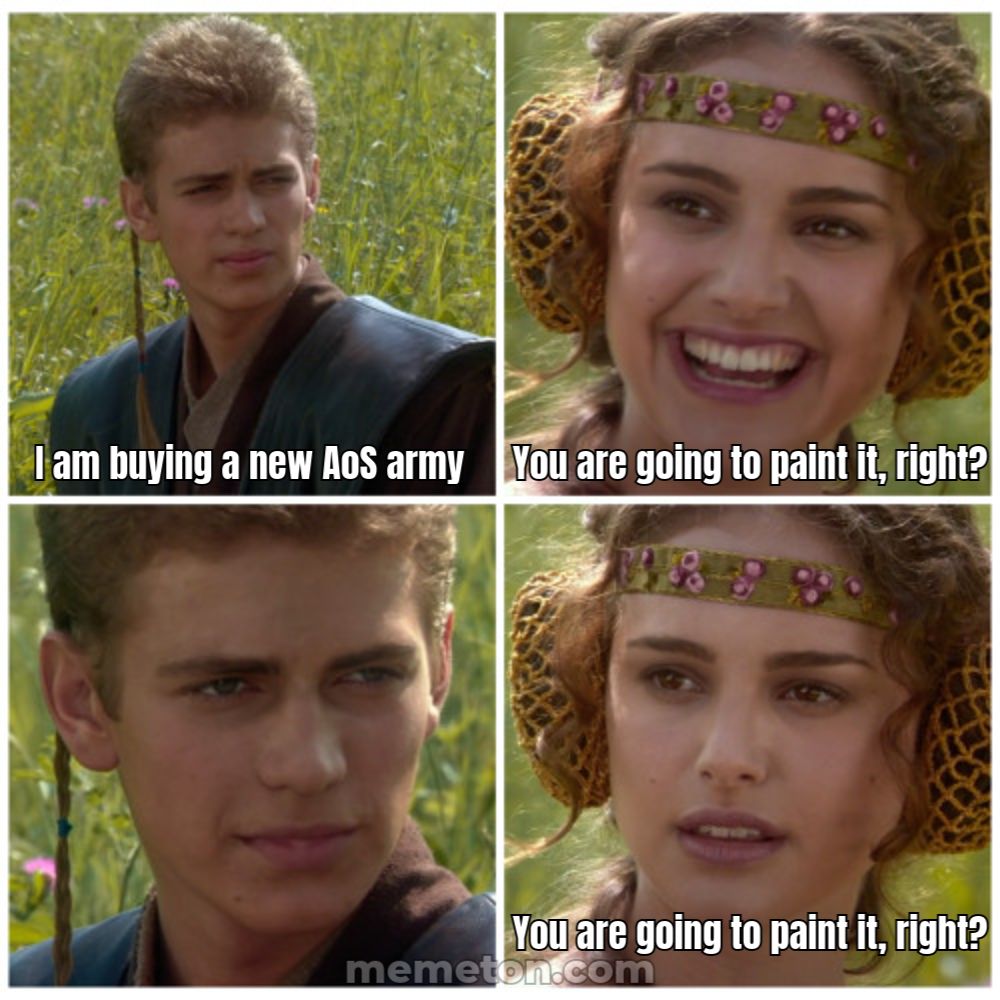
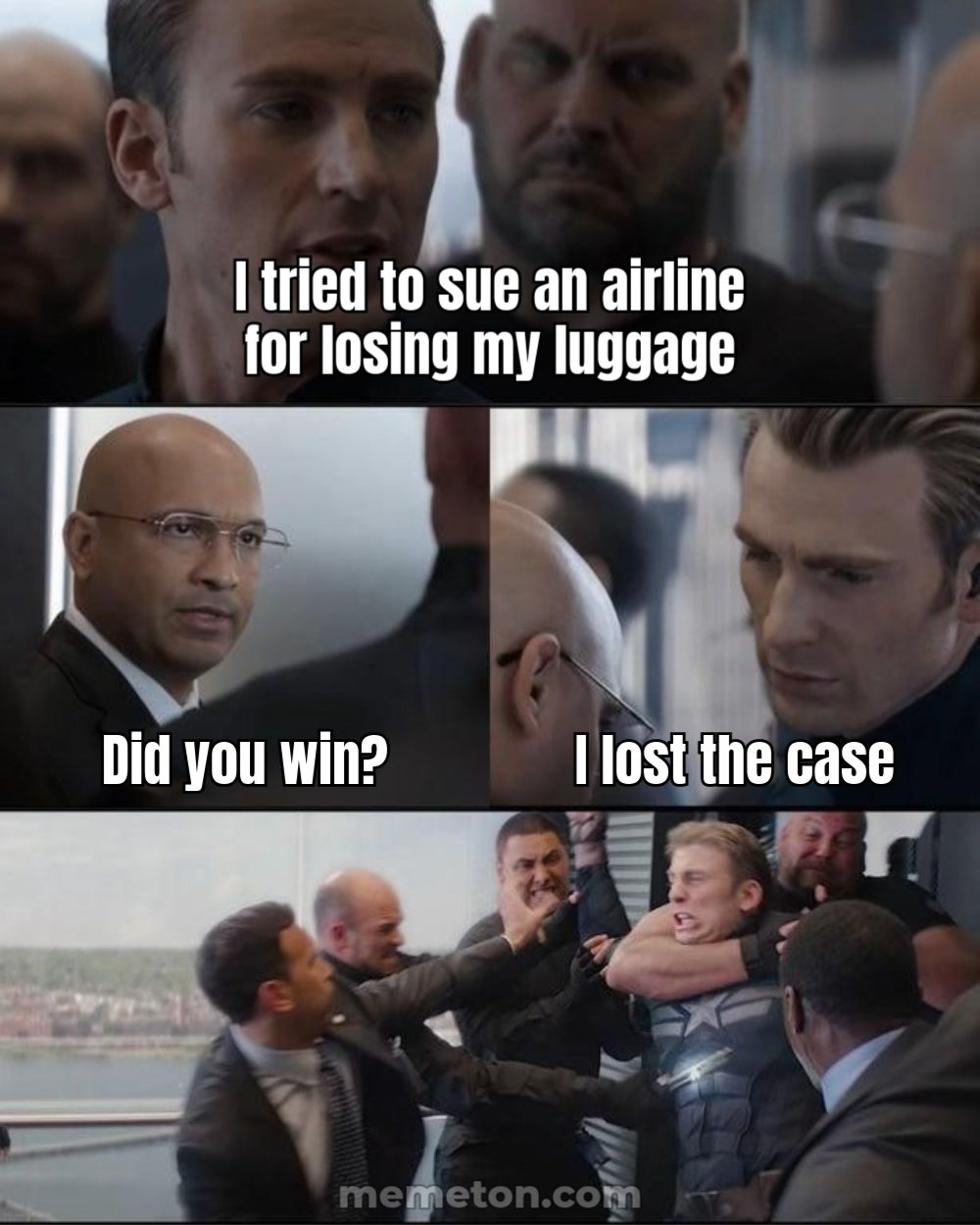
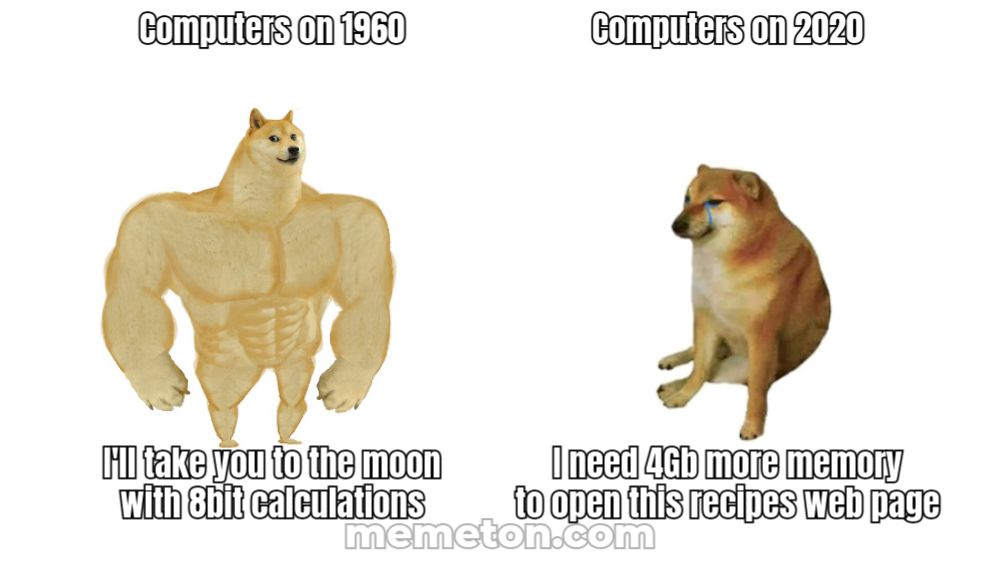
Each special meme below has precision-mapped text regions so dialogue lands in the exact comic panel without manual resizing.
Why do programmers prefer dark mode?
Here we go again...
Not in the elevator, Steve.
Because light attracts bugs!
We are pushing a quick hotfix on Friday at 5 PM.
So everyone goes home early, right?
So everyone goes home early, right?
Developers in 1995
4 KB RAM is plenty for my game.
Developers Today
Help, my to-do app needs 2 GB RAM.
What do you call a fake noodle?
Wait, do not say it.
Please let me off on the next floor.
An impasta!
I am going to reorganize the shared drive.
Keeping all existing links working, right?
Keeping all existing links working, right?
Me on Monday at 8 AM
Zero unread emails and full of ambition.
Me on Thursday at 4 PM
Please do not send one more calendar invite.
Multi-panel memes rely on visual rhythm—each speech or caption box sits inside a specific panel so readers follow the comedic beat left-to-right and top-to-bottom.
A setup-reaction-groan-punchline comic where timing escalates across four frames.
Classic dramatic irony built from Anakin’s ominous statement and Padme’s hopeful follow-up.
Side-by-side "then vs. now" or "expectation vs. reality" contrast.
Yes. Boxes start centered in each panel automatically, and you can still drag any text box directly on the canvas if you have a longer joke.
Montserrat works cleanly for multi-sentence dialogue inside speech panels, while Anton delivers classic bold punchlines.
Yes. Each special meme editor includes a Suggest text button above the text boxes that loads ready-made multi-panel examples.
Yes. Downloads scale to 1080 px width in JPEG (or PNG when using Copy Image) for crisp text in every panel.
Utilizarea acestui instrument gratuit de creare a memelor este foarte simplă.
1) Selectează categoria pentru a vedea modelele disponibile.
2) Selectează designul pe care îl dorești.
3) Mergi la secțiunea de text pentru a scrie mesajul.
4) Când ai terminat, mergi la pagina de salvare.
Poți salva pagina ca marcaj pentru viitor. Odată salvat pe computer, îl poți încărca pe rețelele sociale preferate, aplicații de mesagerie etc. În final, dacă îți place meme-ul, distribuie-l prietenilor tăi!