Dev & Tech
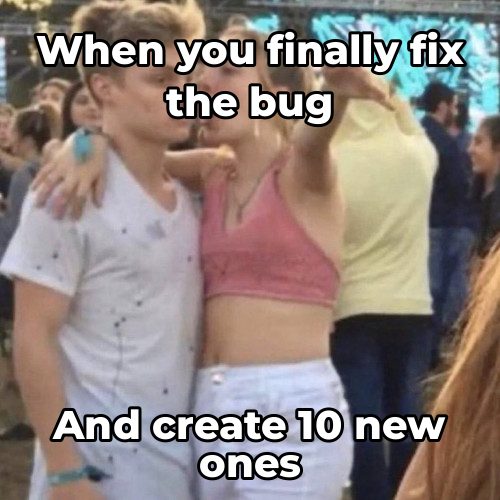
When you finally fix one bug
And 14 new warnings appear in the console
Das Erstellen eines Memes mit memeton.com ist einfach, unterhaltsam und kostenlos.
Möchten Sie etwas ausdrücken und mit anderen Menschen teilen? Das Erstellen eines Memes kann Ihnen helfen, die Botschaft einfach und schnell zu verbreiten. Das Erstellen eines Memes mit memeton.com ist einfach, unterhaltsam und kostenlos. Wählen Sie einfach das entsprechende Bild aus den verfügbaren Kategorien aus, fügen Sie den Text mit der Nachricht hinzu und klicken Sie anschließend auf die Schaltfläche, um es freizugeben oder auf Ihrem Computer zu speichern. So einfach!

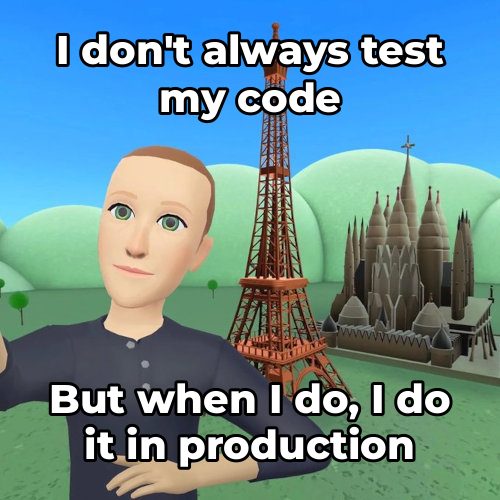
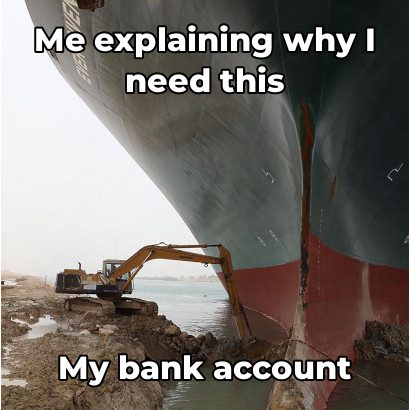
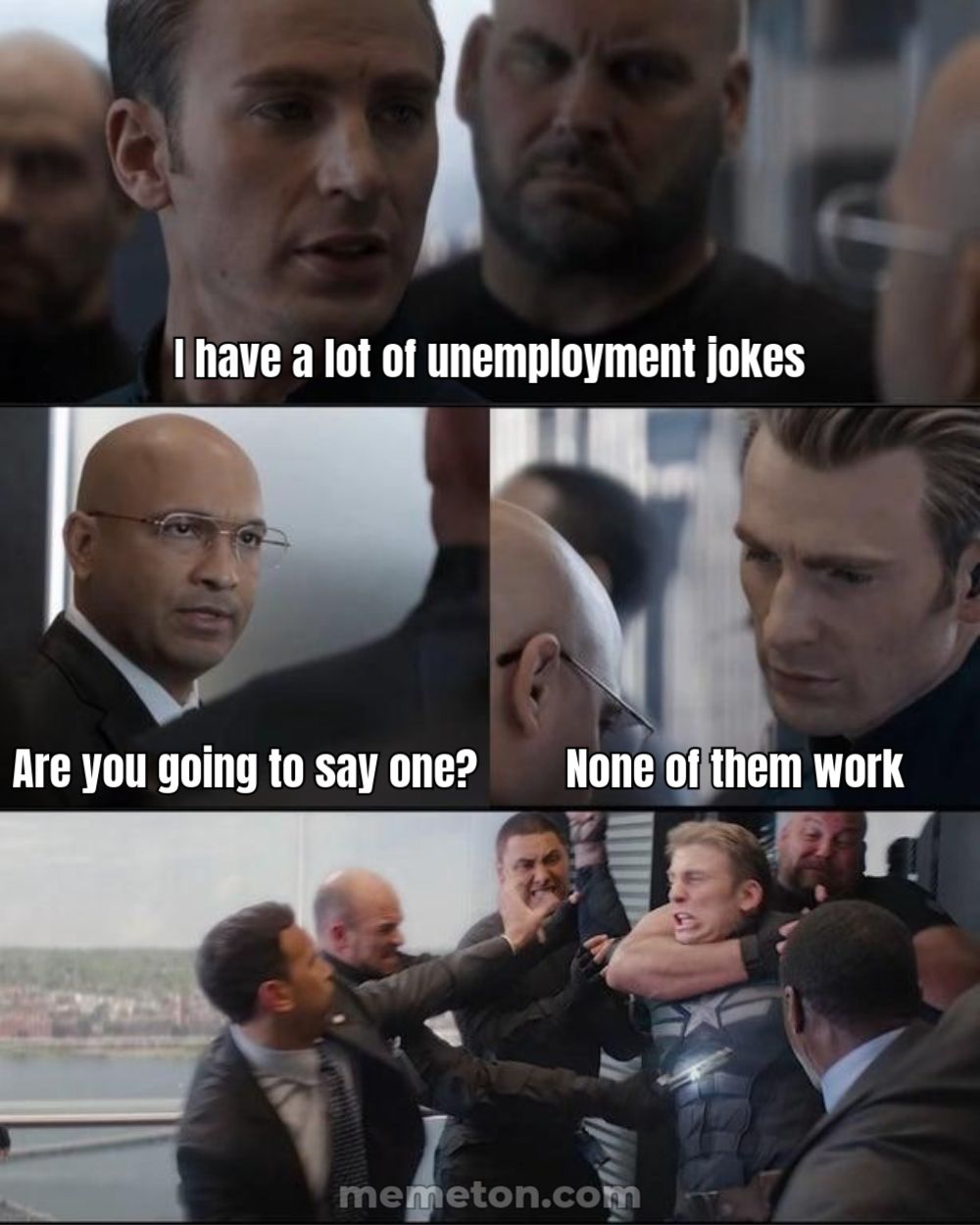
Es gibt einige spezielle Memes, bei denen Sie den Text in bestimmten Positionen und Größen benötigen, damit sie gut aussehen. Bisher musste man sie meistens von Hand machen, nicht mehr. Bei memeton.com haben wir ein Tool entwickelt, das das Erstellen spezieller Memes einfach, unterhaltsam und kostenlos macht. Wählen Sie einfach aus der Liste unten aus, ob Sie einen Captain America Witz erstellen möchten, a ... dann fügen Sie die Texte mit der Nachricht hinzu, und wenn Sie fertig sind, klicken Sie auf die Schaltfläche, um sie zu teilen oder auf Ihrem Computer zu speichern. So einfach!

Load any caption starter directly into Memeton’s browser studio or pick a dedicated multi-panel layout below.
When you finally fix one bug
And 14 new warnings appear in the console
This meeting
Could have been a two-sentence email
My plans for Saturday
Falling asleep at 8:30 PM on the couch
What I thought I ordered online
What actually arrived in the box
Please do not ask me questions
Until the second cup of coffee
Just one more quick match
Why is the sun coming up?
Me cleaning my entire room
To avoid one 10-minute task
Everyone typing at the same time
Nobody answering the actual question
Whether you are making a quick inside joke for friends or commenting on trending pop culture, layout clarity and pacing decide whether a meme lands.
Classic top-and-bottom memes rely on a crisp two-beat reveal.
Classic bold condensed uppercase remains iconic because it stays legible at thumbnail size.
Pick the right tool for single-image reactions versus multi-beat dialogues.
No. Everything renders locally inside your browser on HTML5 Canvas. Only you see or save what you make unless you share it.
Yes. In Classic Memes, click Upload your own image to caption any local photo privately without uploading it to our servers.
Use the instant search bar and category chips below the editor to filter by Star Wars, The Office, Football, SpongeBob, Simpsons, or your bookmarked Favorites.
Yes. Share the editable link from the Save dialog and anyone opening it will load the exact template, text, font, and color preset in their browser.
Die Verwendung dieses kostenlosen Meme-Erstellungstools ist wirklich einfach.
1) Wählen Sie die Kategorie aus, um die verfügbaren Vorlagen anzuzeigen.
2) Wählen Sie das gewünschte Design aus.
3) Gehen Sie zum Textbereich, um die Nachricht einzugeben.
4) Wenn Sie fertig sind, gehen Sie zur Speicherseite.
Sie können die Speicherseite für spätere Verwendung speichern. Sobald es auf Ihrem Computer gespeichert ist, können Sie es in sozialen Netzwerken oder Messenger-Apps hochladen. Wenn es Ihnen gefällt, teilen Sie es mit Freunden!